TracVision M3 User’s Guide
47
Chapter 5 - Troubleshooting
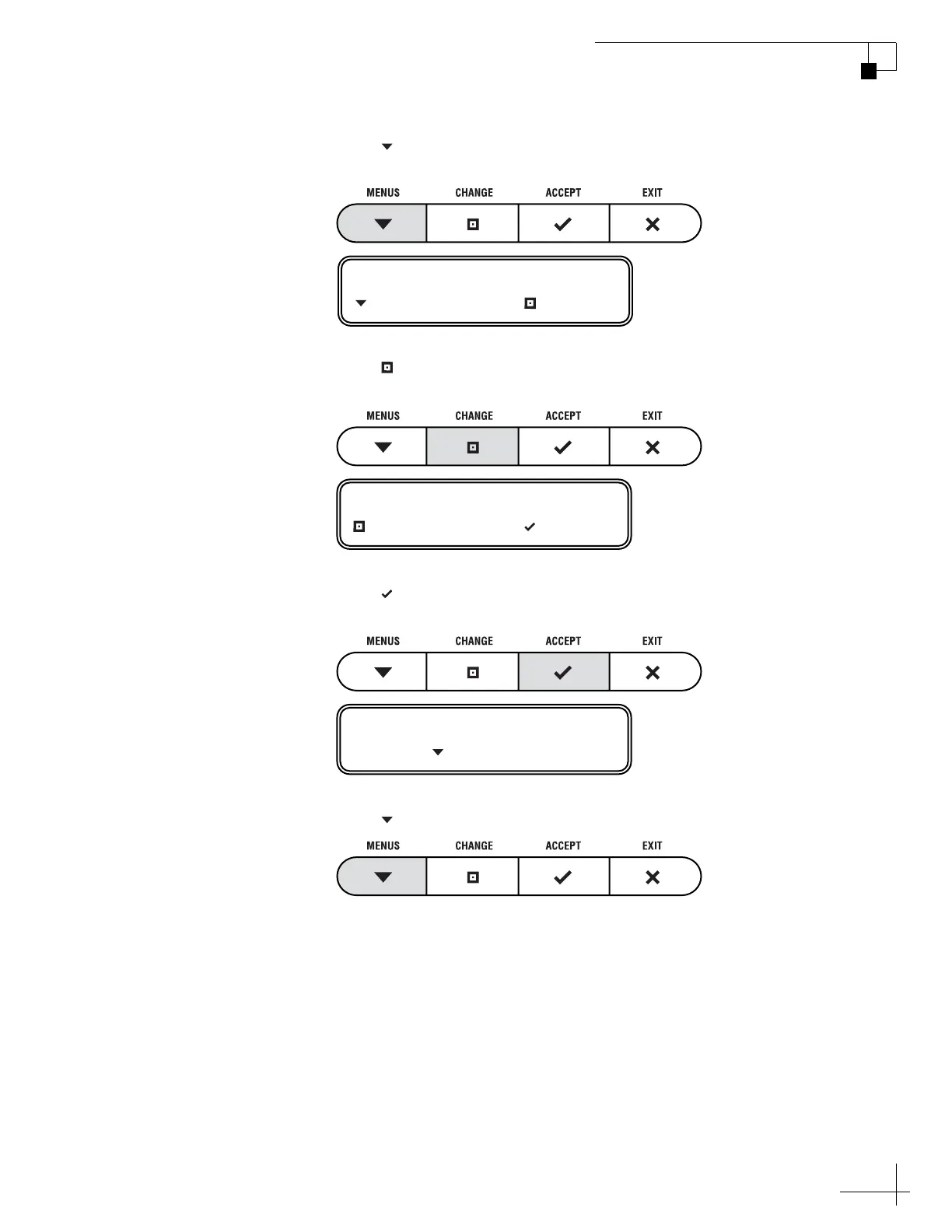
4. Press MENUS until the display shows “SHOW SYS
INFO.”
5. Press CHANGE until the display shows “SHOW SYS
INFO= YES.”
6. Press ACCEPT to begin viewing the system
information.
7. Press MENUS to scroll through the list.
SHOW SYS INFO= NO
NEXT MENU CHANGE
SHOW SYS INFO= YES?
CHANGE ACCEPT
KVH INDUSTRIES
PRESS TO CONTINUE



 To Next Page