TracVision M3 User’s Guide
70
Appendix C - Programming User-Defined Satellites
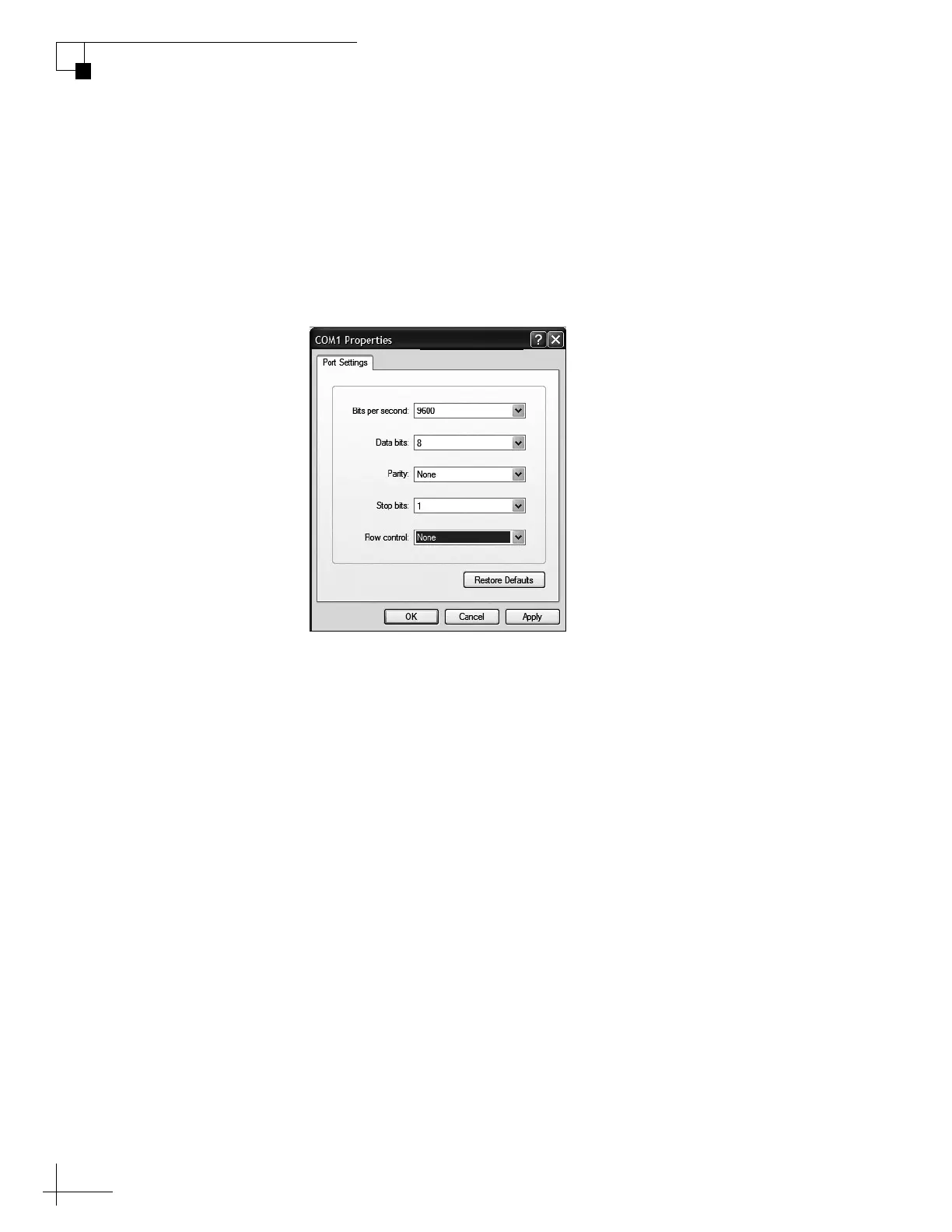
3. Open Windows HyperTerminal and establish the
following settings for your COM port:
• Bits per second: 9600
• Data bits: 8
•Parity: None
• Stop bits: 1
•Flow control: None
Figure C-2 HyperTerminal Settings
TIP: To view characters on the screen as you type, set up HyperTerminal to
echo typed characters. Select “Properties” from the File menu; select “ASCII
Setup” at the Settings tab; then select “Echo typed characters locally” at the
ASCII Setup window.
4. Turn on the TracVision antenna. Data should soon be
scrolling in your HyperTerminal window. If no data
appears, check your connections and make sure you’re
using the correct COM port.
5. Follow the steps in the next section to program the
antenna via the HyperTerminal window.



 To Next Page