18
Turn Dial
To Select Temp
165
°F
1
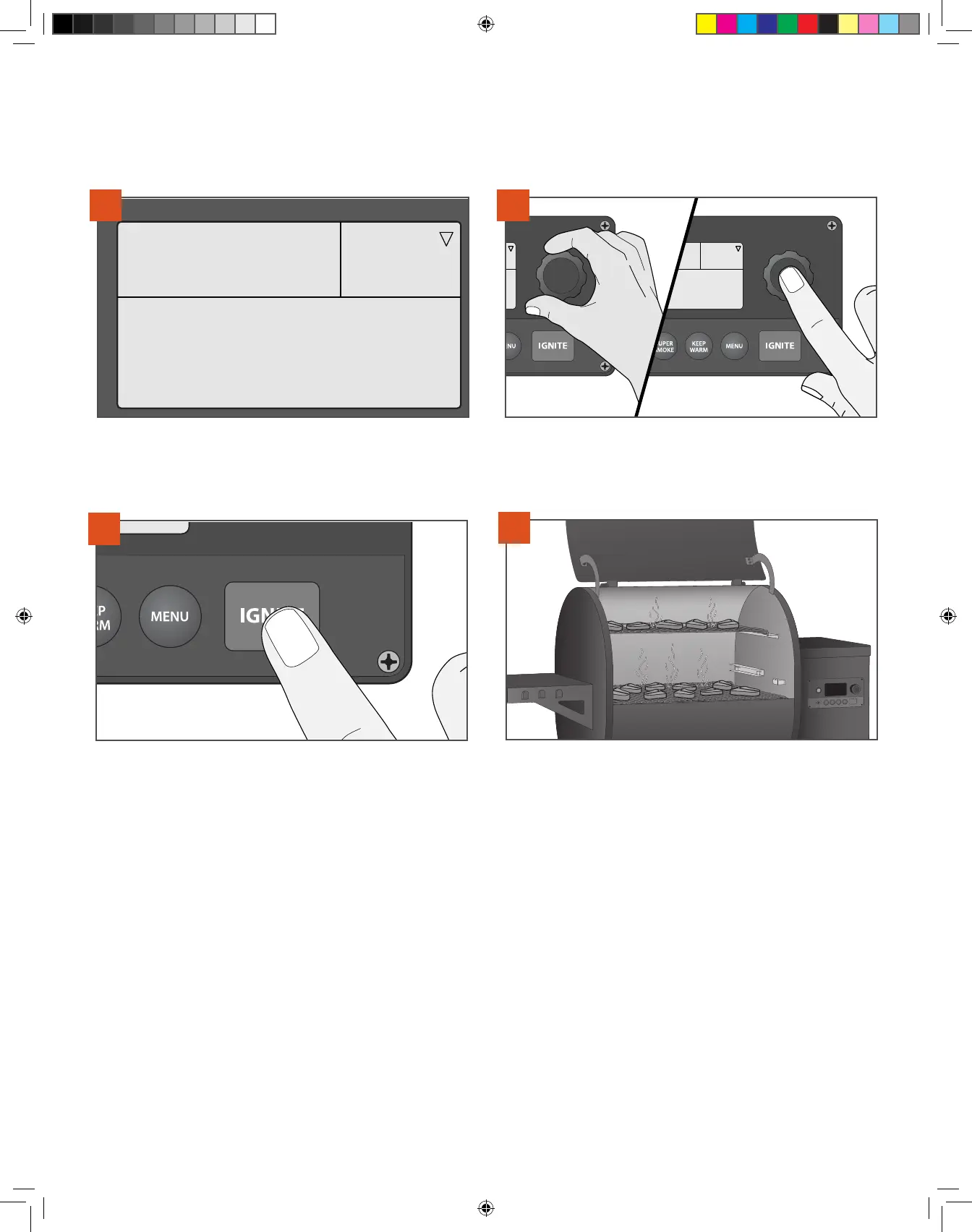
Your grill’s home screen defaults to the “Turn Dial To Select Temp”
message. Cooking temperature can be set directly from this screen.
Press Dial To Set Temp
350
°F
2
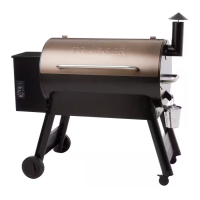
To select temperature, turn selection dial right or lef; once desired
temperature is displayed, press the center of the dial to select. Close
the grill door.
3
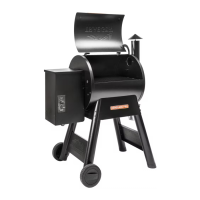
Press IGNITE to begin the automatic ignition and preheat cycle.
TIPS:
• It is recommended, but not necessary, to wait until the preheat cycle is complete before loading food into the grill.
• Loading food too early can result in the grill taking longer than usual to achieve desired temperature.
• Keep the grill closed during the preheat cycle so that the grill can reach the desired set temperature.
• Traeger® Grills provide real time temperature readings and you should expect to see fluctuations in temperature.
COOKING AT A SINGLE TEMPERATURE Use this method for simple recipes requiring a single cook cycle at a set temperature.
CHOOSING A COOK METHOD
4
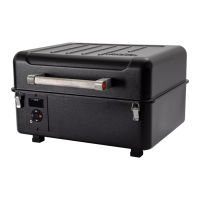
Once preheating is complete, load food into the grill. See page 24 if
using the meat probe prior to loading food into the grill.
T09627_Redland_OM_EN.indd 18T09627_Redland_OM_EN.indd 18 9/16/22 10:59 AM9/16/22 10:59 AM



 To Next Page