BAS-SVX10F-EN 21
Installation: All Models Other Than the Display Sensor
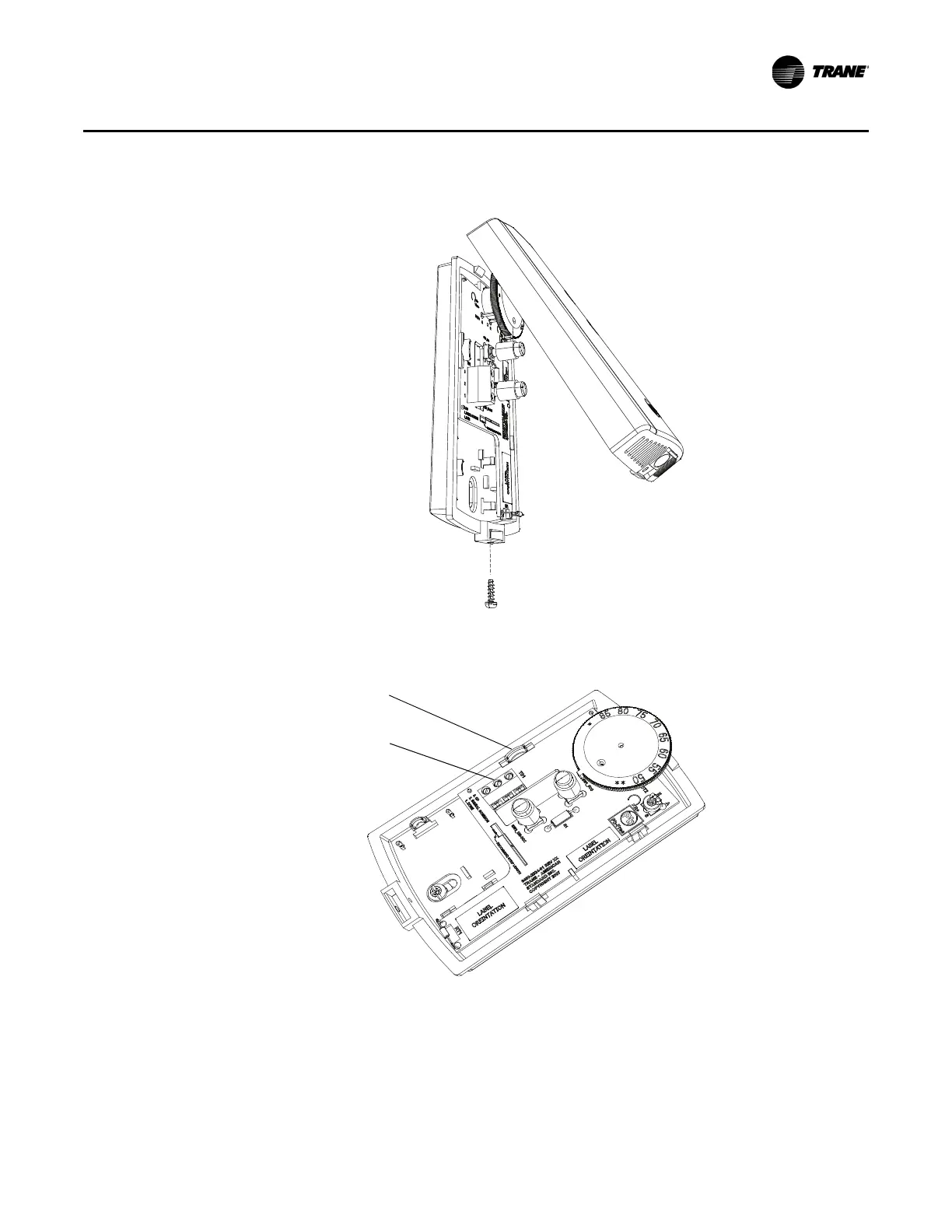
Note: If present, remove the security screw before removing the cover.
3. Remove the circuit board by pressing the thumb catch on the left side of the board. Use the
terminal block to lift the circuit board from the back plate.
4. Feed the wires through the opening in the
back plate.
5. Hold the back plate against the mounting
surface and mark the screw locations.


 To Next Page