22
ARTC-SVX013A-EN
Menus
This system has three functional menus:
• Main Menu – persistent across all displays.
• Devices Menu – persistent across devices functions.
• Settings Menu – persistent across settings functions.
Main Menu
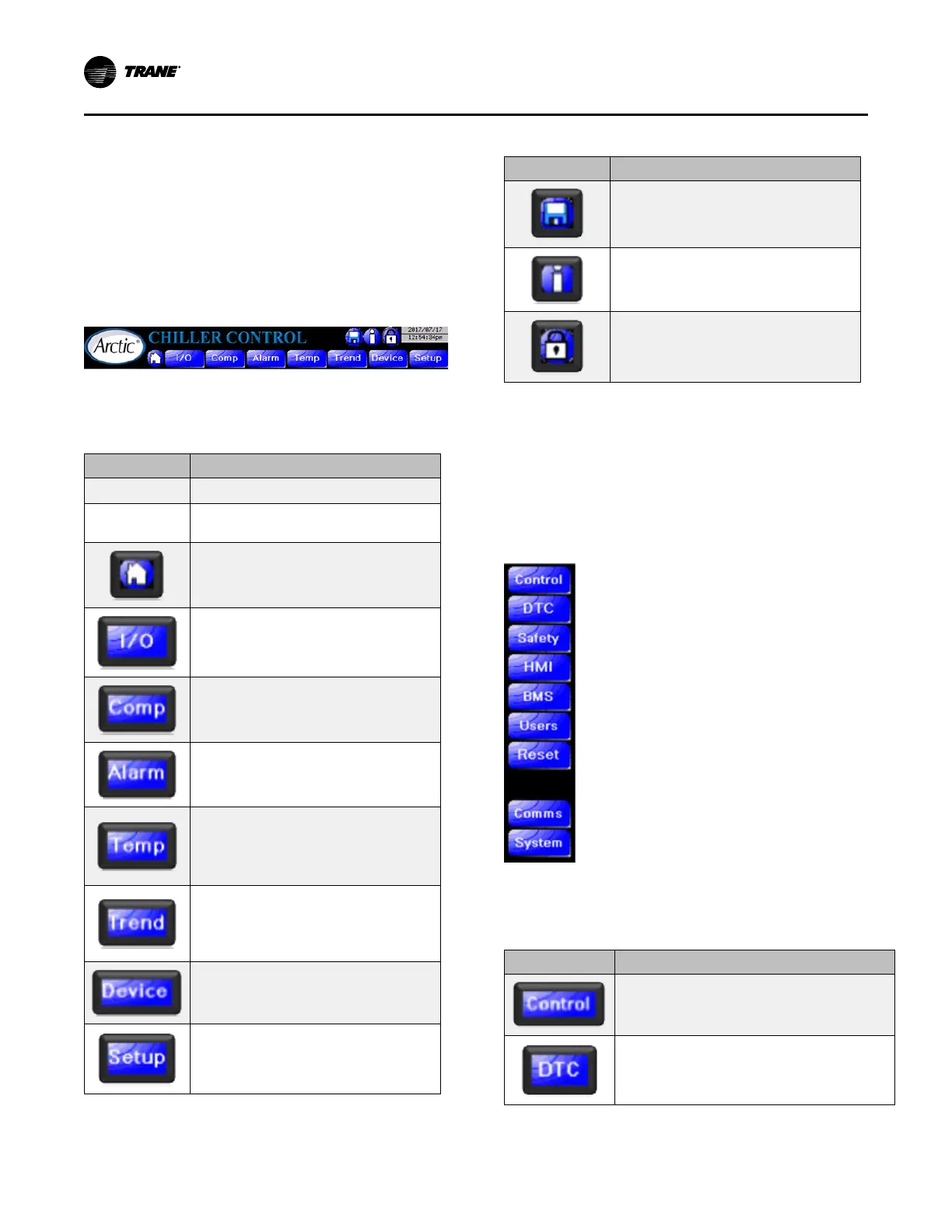
The main menu is part of the banner of all displays:
Figure 10. Main menu
The main menu is always available as long as the HMI is
functional. It has the following features:
Table 5. HMI main menu features
Feature Function
Logo/Title Displays function descriptive title for the page.
Time/Date
For reference – settable through the BIOS of the
HMI. See “Settings Menu,” p. 22.
Press to return to the Main Page.
For debugging purposes, the system provides a
display of raw inputs and outputs.
Displays compressor 1 detail. All the
compressors’ pages can be accessed.
Displays Alarm Page.
Displays key process indicators – all fluid
temperatures, suction and discharge pressures
in large format and other parameters. Also, it
displays ambient temperature, condenser fan
speed for air-cooled chillers.
Displays fluid temperatures against system
demand in a 1-hour trend for water-cooled
chillers. Displays evaporator fluid temperatures,
ambient temperature, and condenser fan speed
for air-cooled chillers.
Accesses “Devices Menu,” p. 23. Subject to
security level. You must be Tech level or above to
invoke.
Accesses “Settings Menu,” p. 22. Subject to
security level. You must be Tech level to invoke.
Table 5. HMI main menu features (continued)
Feature Function
Triggers data logging snapshot.
Displays About Page.
Accesses Log-on screen of security.
Settings Menu
The settings menu, unlike the main menu, is not always
available. It appears when the Setup button from the main
menu is pressed. It will stay available while you are in the
settings section of the HMI. This menu is only available and
Setup button is only visible to users with Tech level security
or above. The following is the settings menu:
Figure 11. Settings menu
The following table show the features accessed by the
settings menu:
Table 6. HMI settings menu features
Feature Function
Displays chiller control page which includes setpoint
parameters, staging info, and the chiller PID loop
controls.
Displays the compressor parameters page. Includes
individual enable/disable compressor controls.
Operating Procedures


 To Next Page