ARTC-SVX013A-EN
59
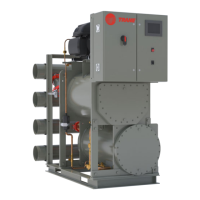
Table 18. Condenser pump controls
Screen User Interface Function Access
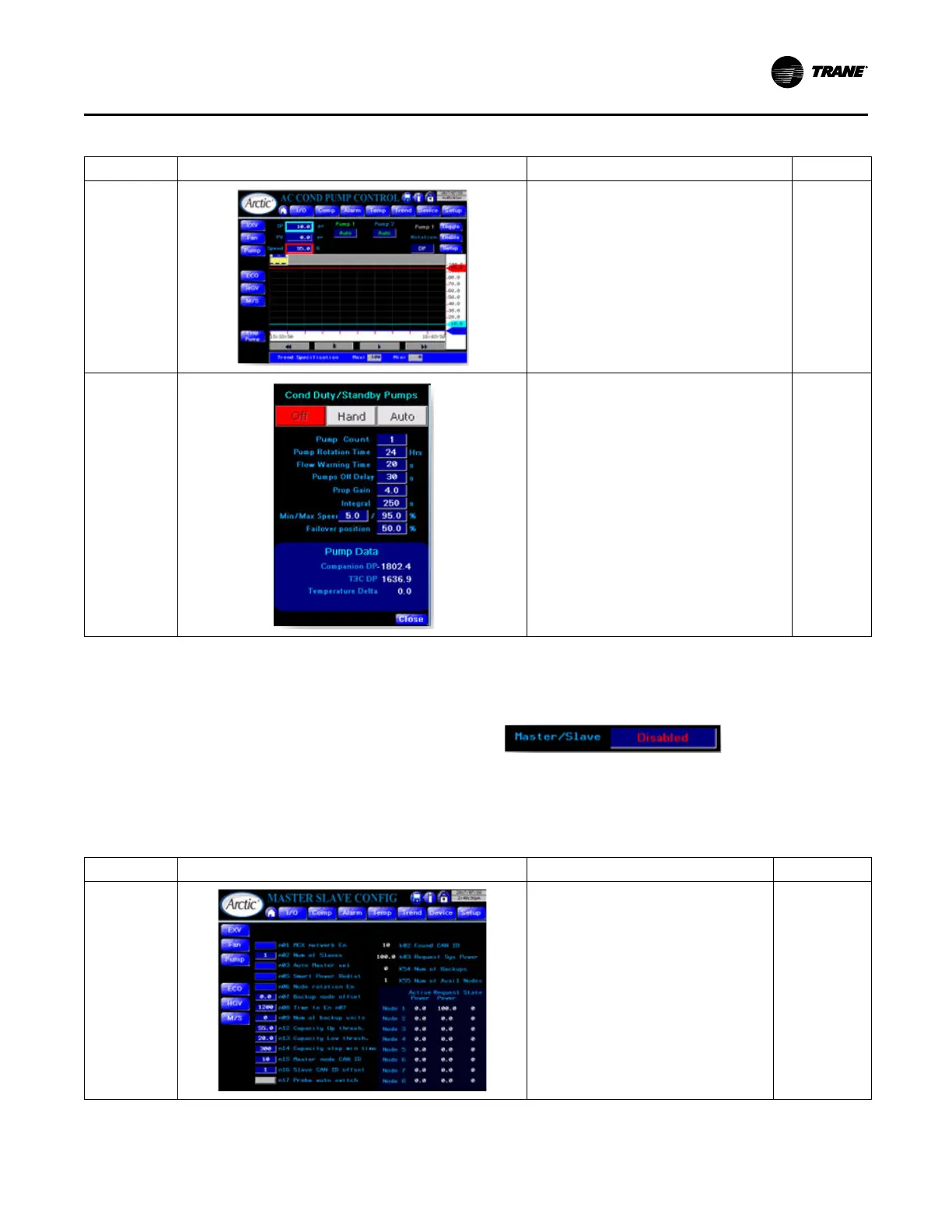
Condenser
Pumps Control
• Screen has the same features / capabilities as
Evaporator Pumps Control screen (see above).
• To access other settings click Setup.
Main Menu
> Devices
Menu >
Pump
button >
Cond Pump
button
Condenser
Pumps Setup
• Has the same set of settings as for the
evaporator pumps (see above), except for Run
mode.
• Run mode.
– SystemPumps start/stop along with the
chiller enable/disable signal;
– CompPumps run as long as compressors
are operational.
Main Menu
> Devices
Menu >
Pump
button >
Cond Pump
button >
Setup
button
Primary/Secondary Control (Chiller Array)
The primary/secondary functionality allows an array on n or
n+m chillers to be controlled by one (Primary) controller.
Where n is the number of chillers in the array and m is the
number of chillers in the array that are designated as
Backup nodes.
To enable use primary/secondary functionality, click M/S
Enable button on the HMI Configuration screen to display
Enabled.
It also exposes the Master Slave Config screen via M/S
button.
Figure 33. M/S Enable/Disable button
Table 19. Primary/Secondary chiller management
Screen User Interface Function Access
M/S Enable/
Disable
• The left side of this screen provides the
parameters for Primary/Secondary units.
• The right side of this screen provides status
information, that details which nodes are
requested to run by the Primary and their
actual running capacity.
Main Menu >
Devices Menu >
M/S
Operating Procedures


 To Next Page