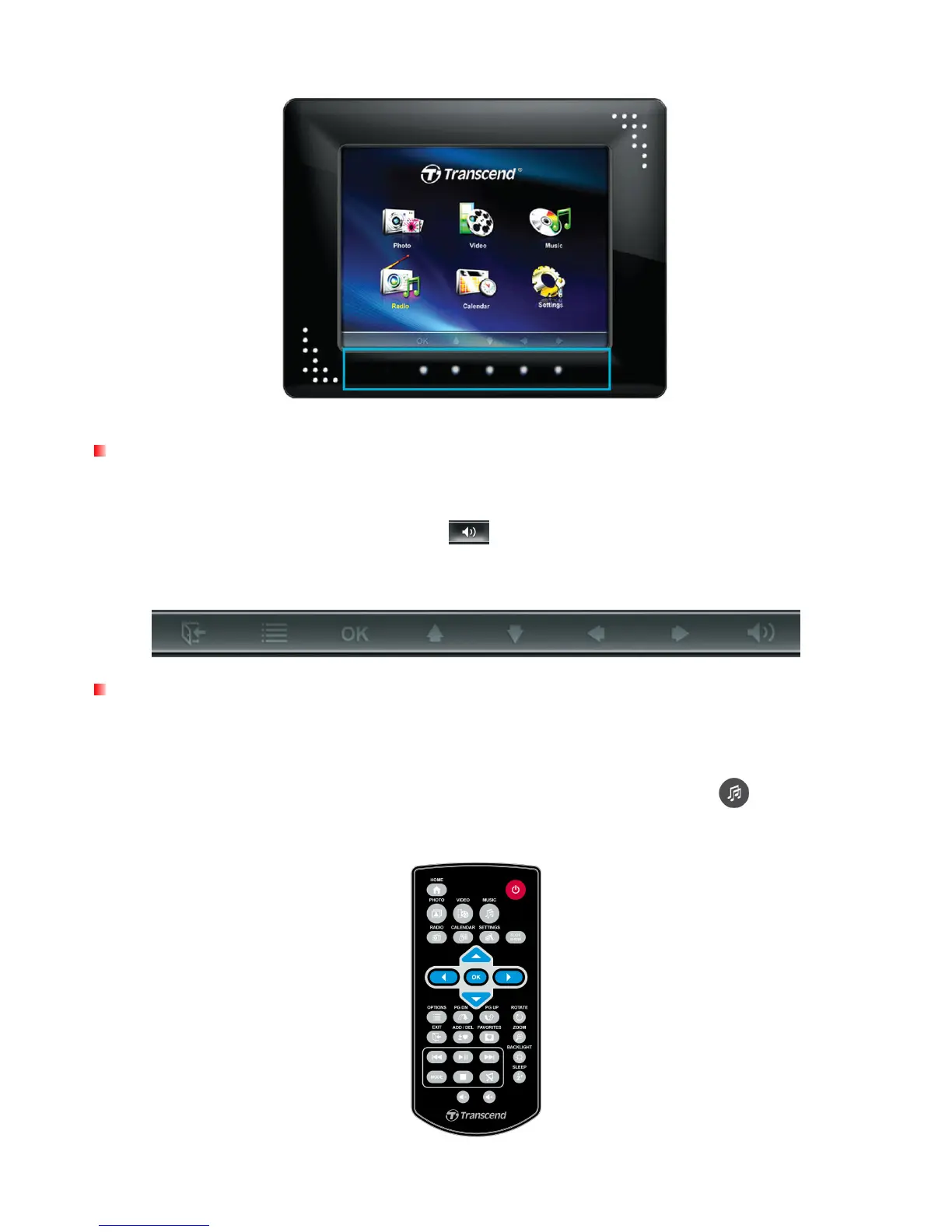
The function of each menu button varies depending on the icon displayed directly above it in the OSD.
On Screen Display (OSD)
The On-Screen Display menu will appear on the bottom of the screen whenever the touch-sensitive
menu buttons on the front of the Photo Frame is pressed. Each option is mapped to a menu button
located directly underneath it. All icons like
shown in this User’s Manual and in the Quick
Start Guide represent OSD menu button functions. The OSD menu will disappear after 10 seconds
without button input.
Remote Control
Your Photo Frame comes with a compact, easy-to-use remote control. You can fully operate your
Photo Frame with either the menu buttons on the front of the Photo Frame or by using the remote
control. Note that when using the remote control you should always aim it directly at the front of
your Photo Frame and make sure there are no obstacles in the way. All icons like shown in this
User’s Manual and the Quick Start Guide represent functions that you can access directly from the
remote control for easy, straightforward operation of your Photo Frame.



 To Next Page