MUSIC︱
The Music mode has two ways to find and playback music files. You can individually skip through
each available song, one-by-one in the Music Player, or you can browse folders on your storage
media to find a specific song file to play. The Music mode also lets you set your favorite song as
your alarm clock ringer.
Music Explorer
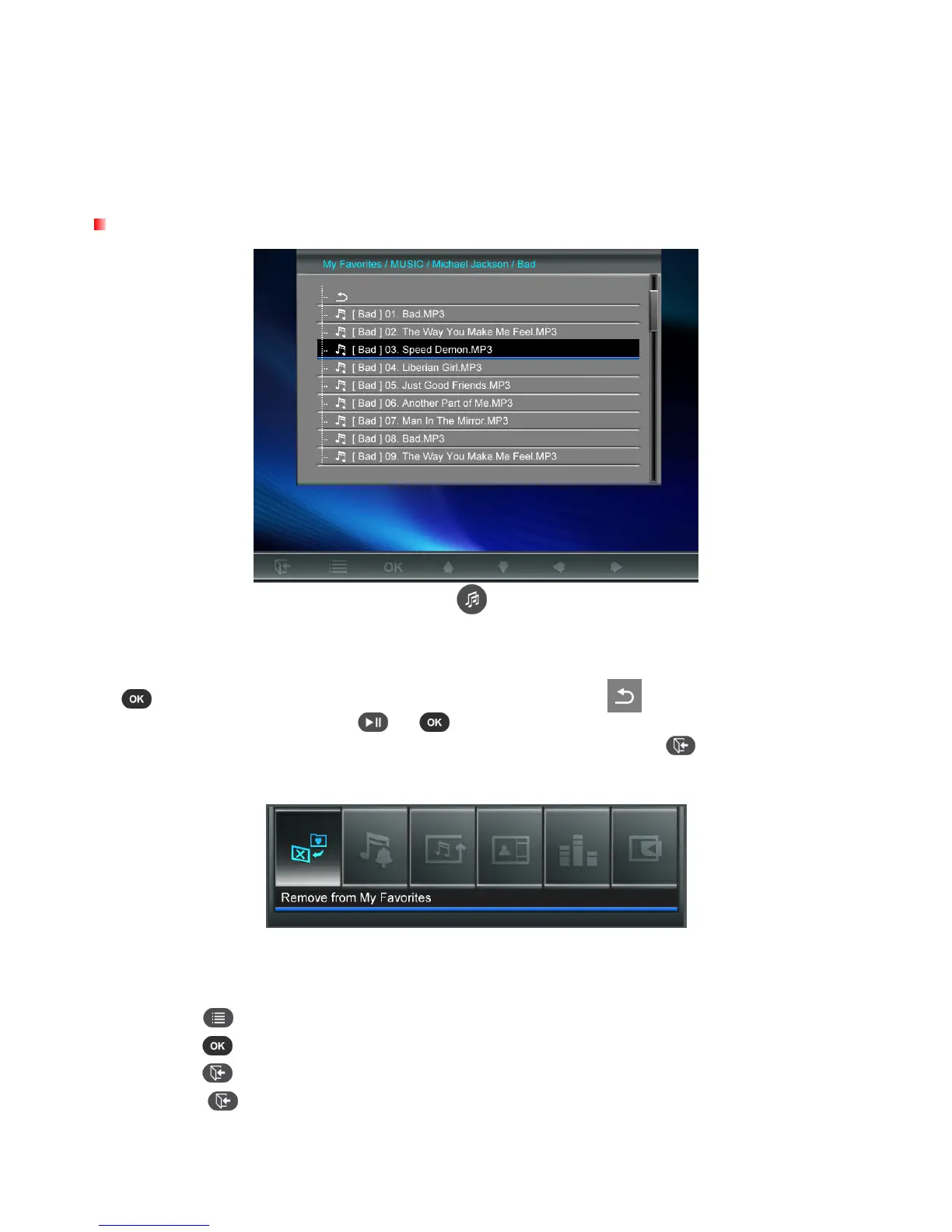
Choose “Music” from the Home menu or press to open the Music Explorer. The Music Explorer
lets you browse for individual songs in specific folders. The directory path is shown at the top of the
screen. In the Music Explorer you will see all file folders available on the current storage device. Use
the UP and DOWN buttons to move to the desired folder. You can enter a folder by pressing RIGHT
or , and exit or move up a level by pressing LEFT or selecting . Once you have located the
music file you want to play, press or to start playing the song in Music Player. To go back
to the Music Explorer and choose a different song, press the button.
Options:
This menu shows list of options available in the Music mode. Some of these options are available on
the remote or by using the menu buttons on the front of the Photo Frame.
1.
Press
and use the LEFT and RIGHT buttons to highlight the desired menu option.
2.
Press to access the highlighted function or open its sub-menu.
3.
Press once to go back to the previous screen.
4. Press
again to revert to the Home menu.



 To Next Page