navigate to the desired thumbnail to remove, and then choose “Remove from My
Favorites.”
Repeat Mode: Adjust the way Photo Frame plays your video files: Normal, Repeat one,
Repeat all.
• Normal (plays once and returns to the Video Explorer)
• Repeat One (continuously replays the selected video)
• Repeat All (continuously replays all available video files on the current source media)
Select Source: Change the media source to browse videos from. Use the LEFT and RIGHT
buttons to select one of the available storage devices and press .
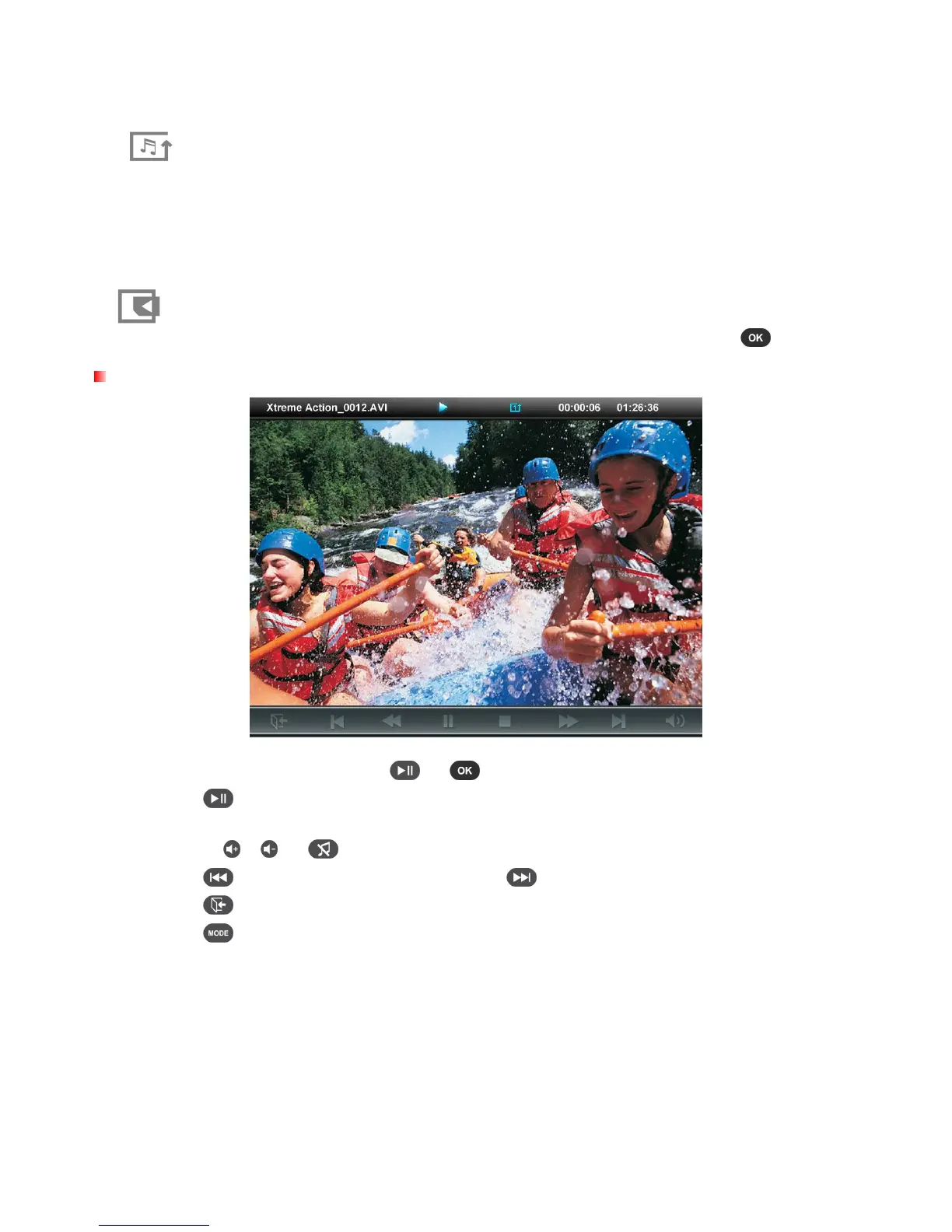
Video Player
To start playing a video, press or on a highlighted file in the Video Explorer.
1.
Press to pause and again to resume.
2.
Adjust the volume by using the Volume Control Wheel on the left side of Photo Frame or by
pressing
, or
on the remote.
3.
Press to go back to the previous video and to play the next available file.
4.
Press to open the Video Explorer and select another to play.
5.
Press on the remote to quickly switch between video repeat modes.



 To Next Page