Calendar︱
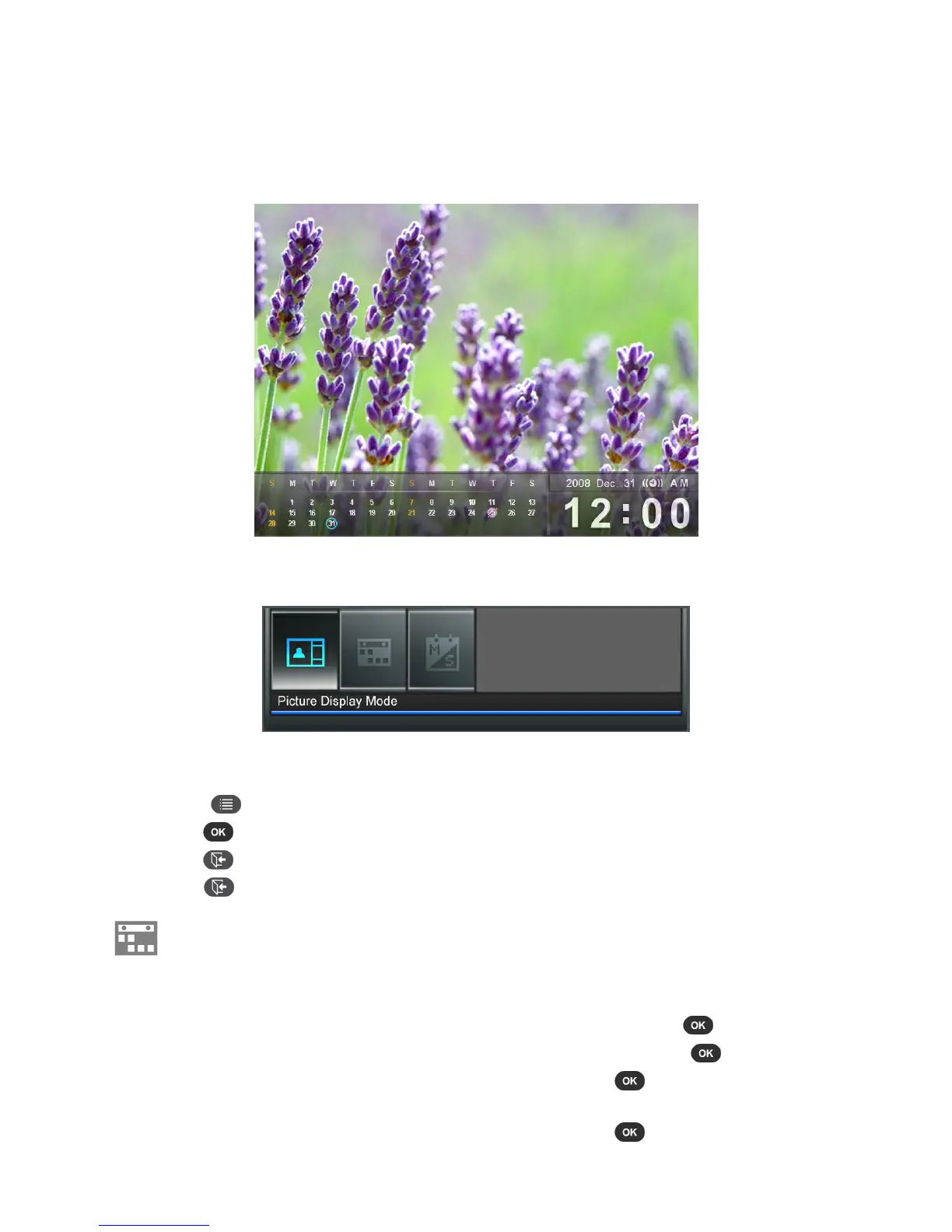
In the Calendar mode, your Photo Frame becomes an attractive desktop calendar and clock that lets you set
important date reminders and display your favorite photos, too. The Calendar mode displays a monthly
calendar and digital clock and a selected photo or slideshow. Press UP or DOWN to switch to the previous or
next month.
Options:
This menu shows list of options available in the Calendar mode. Some of these options are available on the
remote or by using the menu buttons on the front of the Photo Frame.
1. Press
and use LEFT and RIGHT to highlight the desired menu option.
2. Press to access the highlighted function or open its sub-menu.
3. Press once to go back to the previous screen.
4. Press again to revert to the Home menu
Important Dates: You can earmark your important dates on the calendar screen. Follow the
steps below to highlight important dates on the calendar:
1. Select Important Dates from the Options menu.
2. Press UP or DOWN to select a year and press .
3. Press UP or DOWN to select a month and press .
4. Press UP or DOWN to select a day and press to mark that day.
5. Four mark types are available and are represented by different colors: None, Birthday,
Party, and Date. Choose one and press
to confirm.



 To Next Page