5.
To fast-forward to your favorite section of the current song press and hold . To rewind, press
and hold
.
6.
Press on the remote to quickly switch between music Repeat modes.
7.
Press to open the Music Explorer and select folders or songs to play. Music will keep playing
unless you press to stop the music.
Radio︱
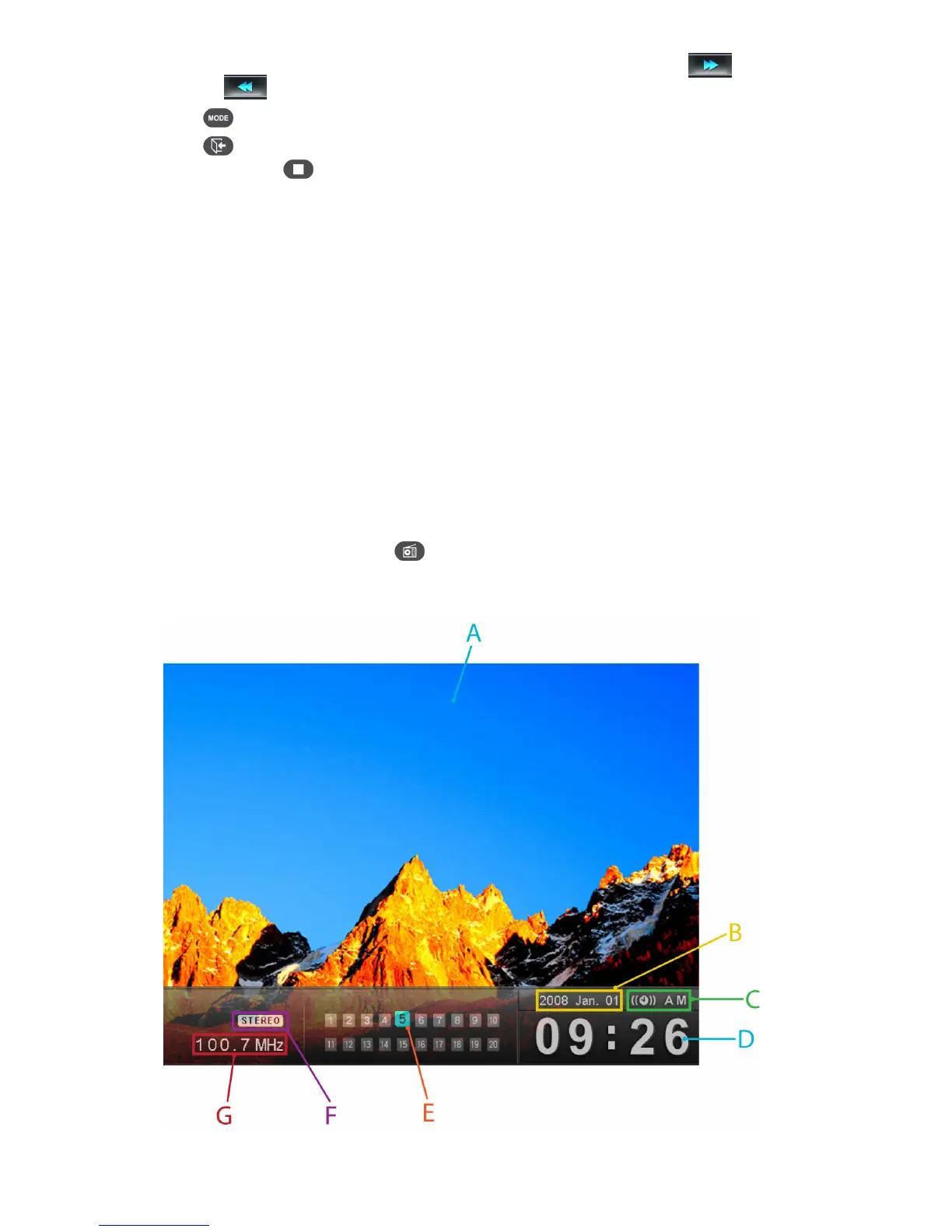
By selecting the Radio option or pressing , you can listen to your favorite radio stations from the built-in
FM tuner and browse your photos at the same time. The Radio mode also lets you set your favorite station
as your alarm clock ringer.



 To Next Page