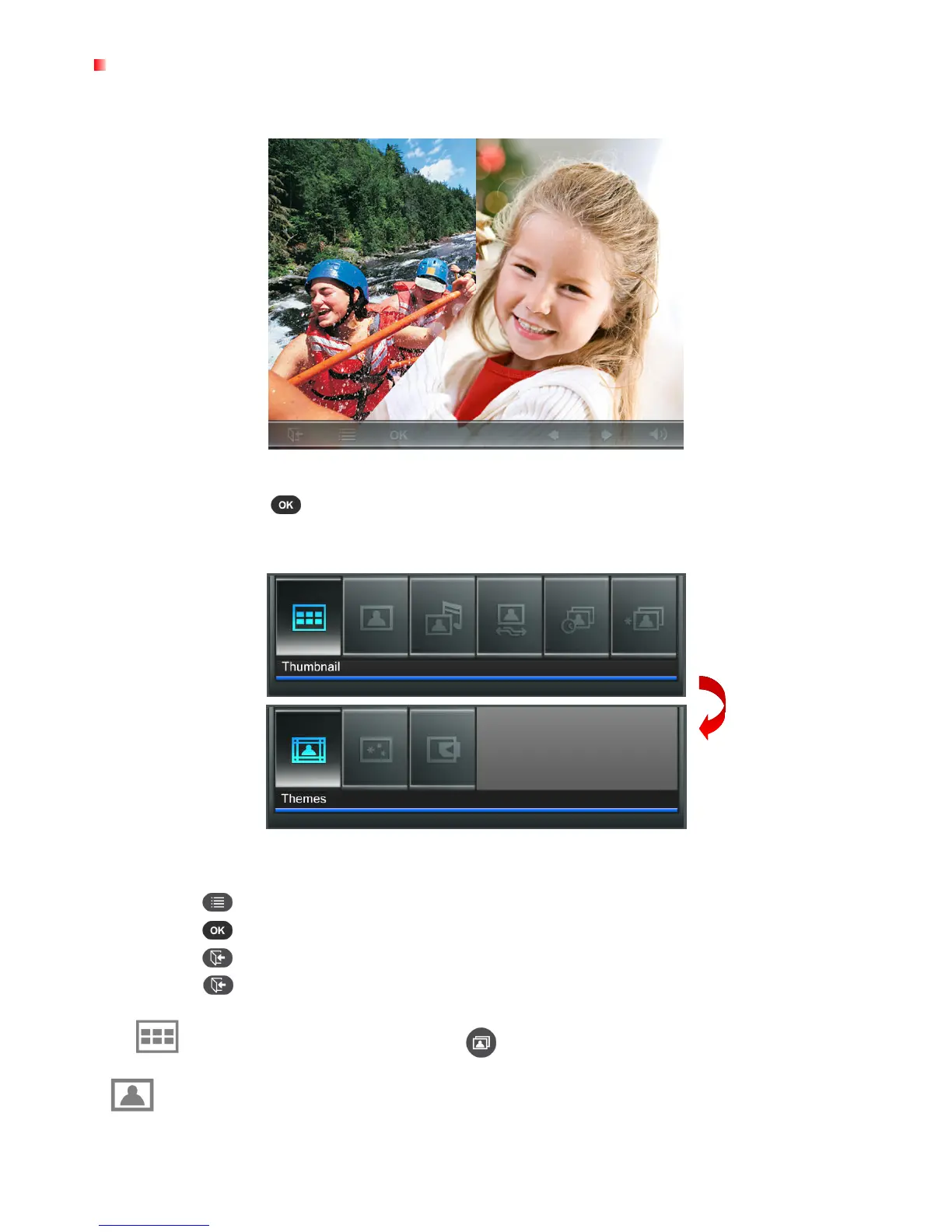
Slideshow Mode
This mode starts slideshow playback of all photos in the selected source. Slideshow mode will play
based on the settings in the Options menu.
Switching to Thumbnail mode:
Press while viewing a slideshow to switch to Thumbnail mode.
Options:
This menu shows list of options available in the Slideshow mode. Some of these options are available
on the remote or by using the menu buttons on the front of the Photo Frame.
1.
Press
and use the LEFT and RIGHT buttons to highlight the desired menu option.
2.
Press to access the highlighted function or open its sub-menu.
3.
Press once to go back to the previous screen.
4.
Press
again to revert to the Home menu.
Thumbnail: Select this item or press on the remote to jump to Thumbnail mode.
Photo View: Select this item to switch to Photo View mode for zoom-in and other functions.



 To Next Page