Save Station: This option lets you save your 20 favorite radio stations from in the Photo
Frame’s memory.
1. Select the radio station (FM frequency) that you wish to save.
2. Highlight Save Station in the Options menu and press .
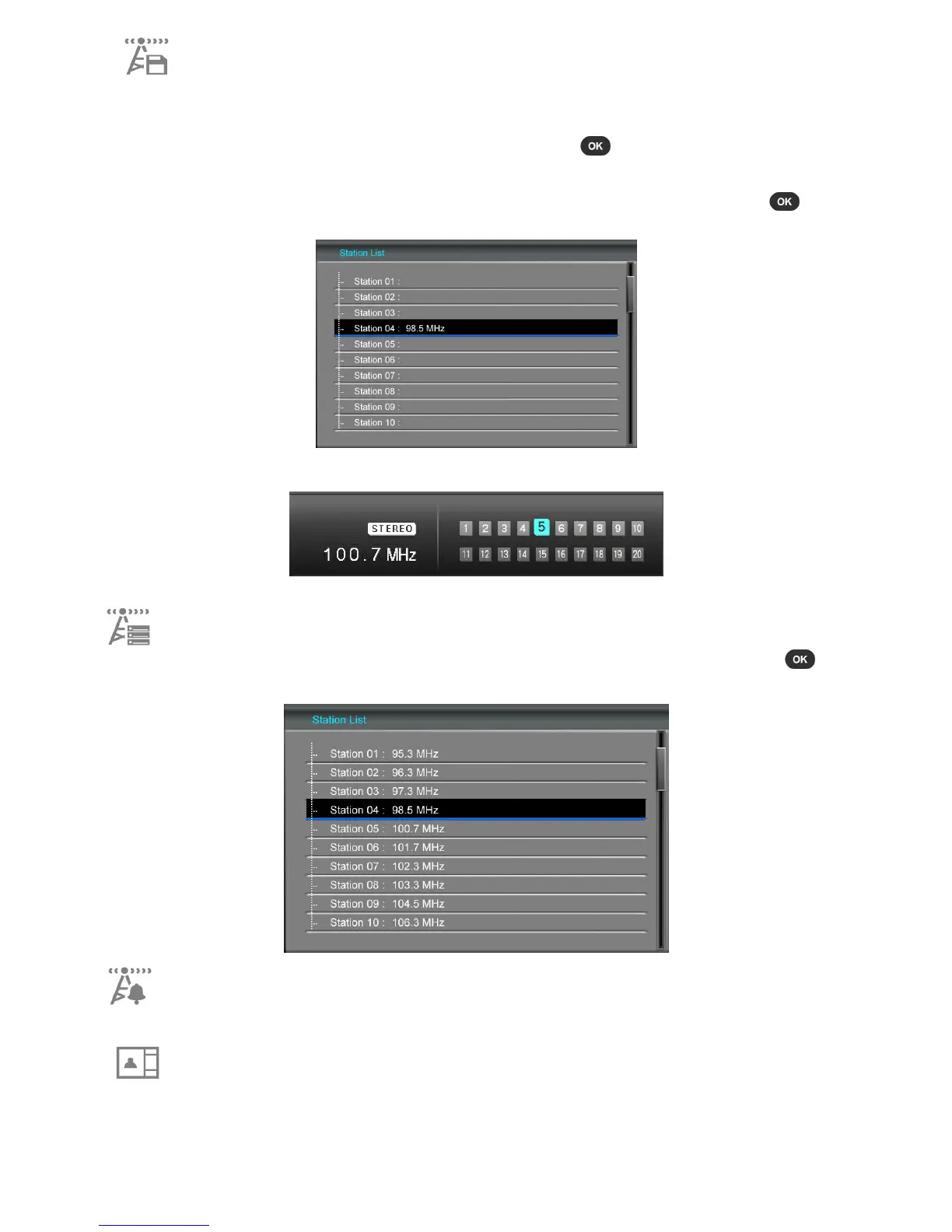
3. A list of station presets from “Station 01” ~ “Station 20” will appear.
4. Use the UP / DOWN buttons to highlight one of the 20 station presets and press to save
the current FM frequency to that preset station number.
5. Your new saved station will now be highlighted in the Radio screen’s list of saved stations.
Station List: This option displays a list of all 20 preset stations and their frequencies. Use the
UP / DOWN buttons to navigate to the station that you want to listen to and press . Note:
you must first use Auto Scan or Save Station to add stations to this list.
Set as Radio Alarm: Set current radio frequency as your alarm clock sound. Radio alarm can
be chosen in “Home > Settings > Alarm > Alarm sound.”
Picture Display Mode: Change the way pictures are displayed in Radio mode: “Background
Image” (static photo) or “Slideshow,” which will consecutively display all pictures on the
currently selected media source. The background Image can be chosen in: “Home > Photo
View > Options > Set as Background Image.”



 To Next Page