User manual TREMOL M23
12
Communication parameters settings
Programming customer parameters
Functional keys
In all programming sub-modes the key \ cancels the operation and returns the ECR in
the previous menu. Use s r keys to select the function from scrolling menu.
In sub modes for items: payments, VAT rates, departments, articles, operators keys +
and - scrolls through the item in order. Using s r keys scrolls the item parameter.
| Prints Help and general ECR values.
The other functional keys are defined for each mode.
Digital values programming
The input of digital values is done by 0 to 9 and . and a functional key.
Parameters programming
Parameters are set by selection the parameter from menu and pressing the = key. To
change the parameter, press the key again.
Characters programming (names)
Names are entered in particular sub mode. To enter this mode press = key. Characters
can be entered by keyboard. Each number key types few letters by pressing the key
repeatedly.
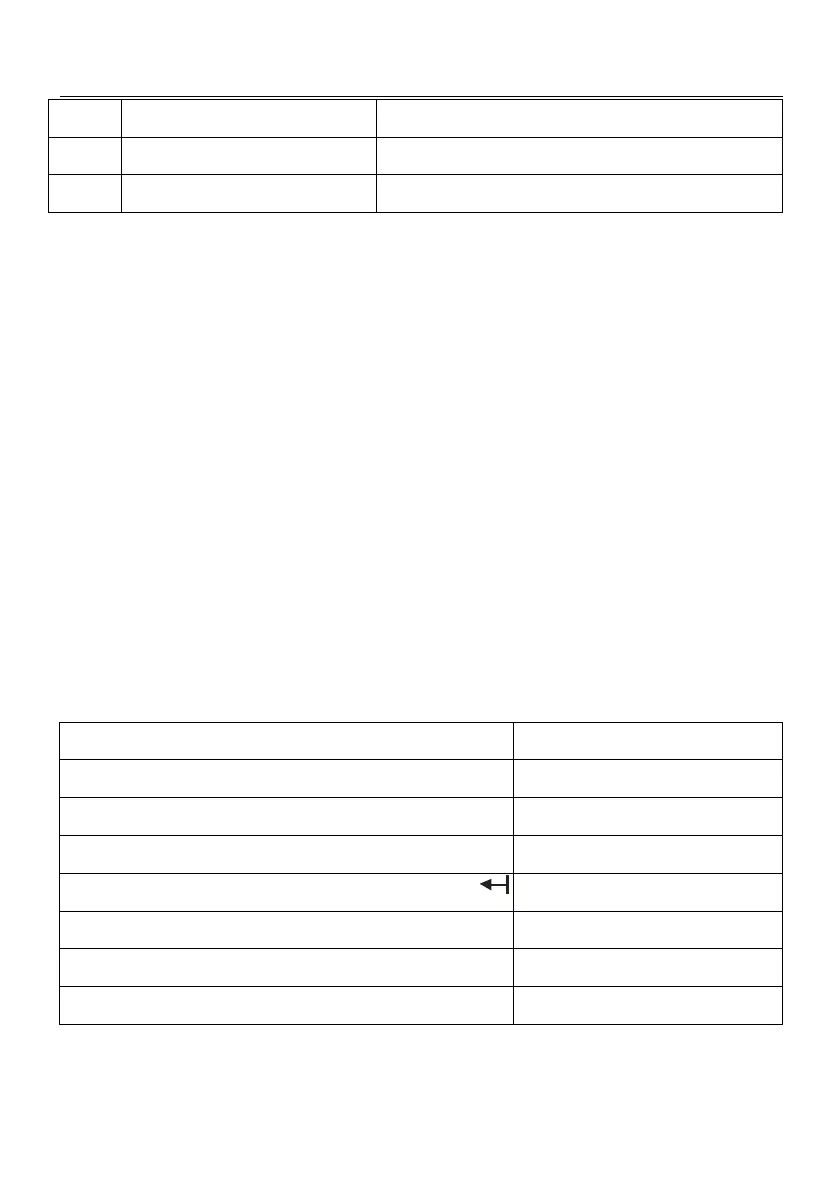
Functional keys table in names programming mode
Move cursor one position to the left
Move cursor one position to the right



 To Next Page