User manual TREMOL M23
23
“SALES” mode
Here are described the operation in STORE operation mode.
SALES ACCESS. FUNCTIONAL KEYS
The sales mode is accessible by login password.
The password is 6 digits max. If the password is shorter press = after entering the
password.
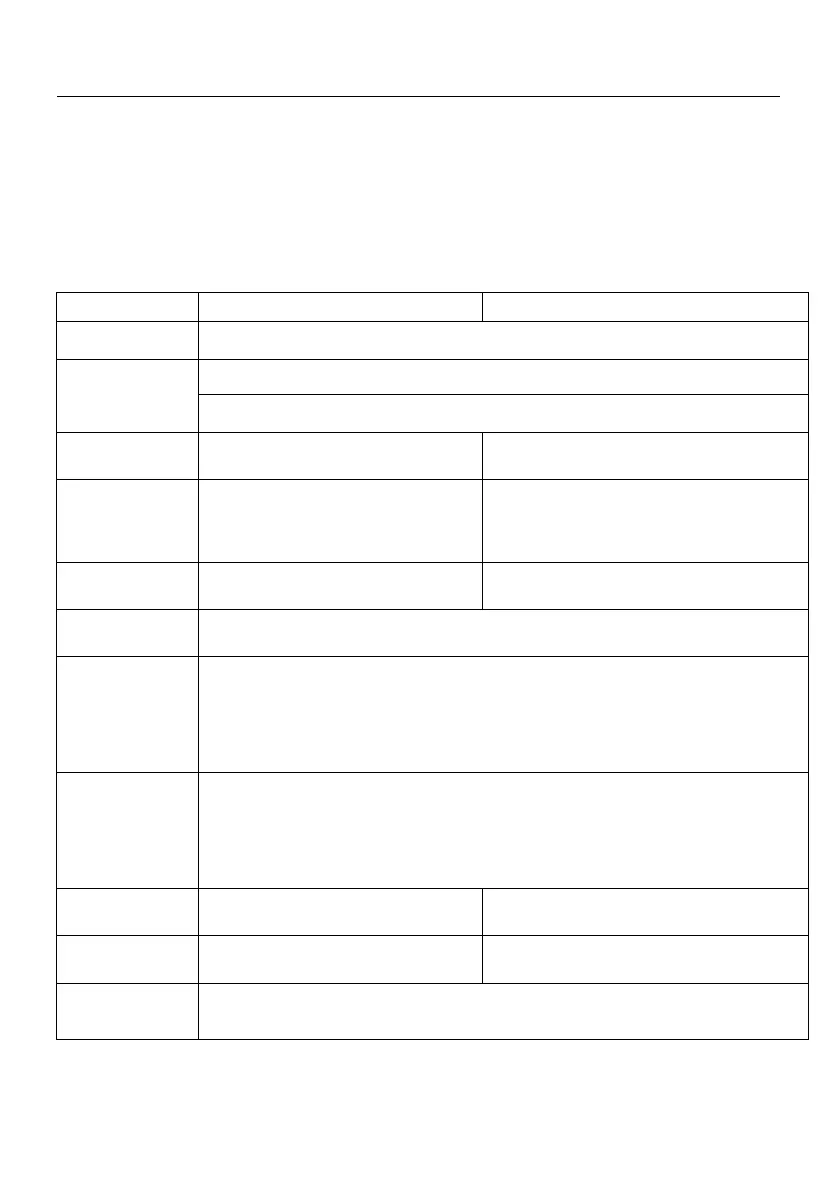
Functional keys
Function key with leading number
1) Press once – Shows SUBTOTAL amount of sales
2) Next pressing Calculates and shows the SUBTOTAL alternatively in cash and in
currency (Only when Currency = YES)
Register sales from articles 1 to 10
with the programmed price
Register sales from articles 1 to 10 with the
entered price
Register sales from articles 11 to 20
with the programmed price
Register sales from articles 11 to 20 with the
entered price
Manual barcode or nomenclature number enter menu confirm the code with the
same key
Customer receipt opening menu /invoice,credit note,debit note/. Enter customer
number and press =. By pressing the key= you enter the customer search menu.
With ror s you can choose the selected customer and with = confirm it. To exit
from the menu press ;;
Show articles list
With sor r keys and with number = you can run through the items The
programmed price of the selected item is displayed. With = you can sell the
selected item. To exit from the menu press ;;
Get scale quantity for sale
Annulment of preceding transaction. There is sub menu in which you can choose the
transaction you to delete. Confirm with =.



 To Next Page