User manual TREMOL M23
14
PROGRAMMING THE SYSTEM PARAMETERS OF ECR [MODE 0]
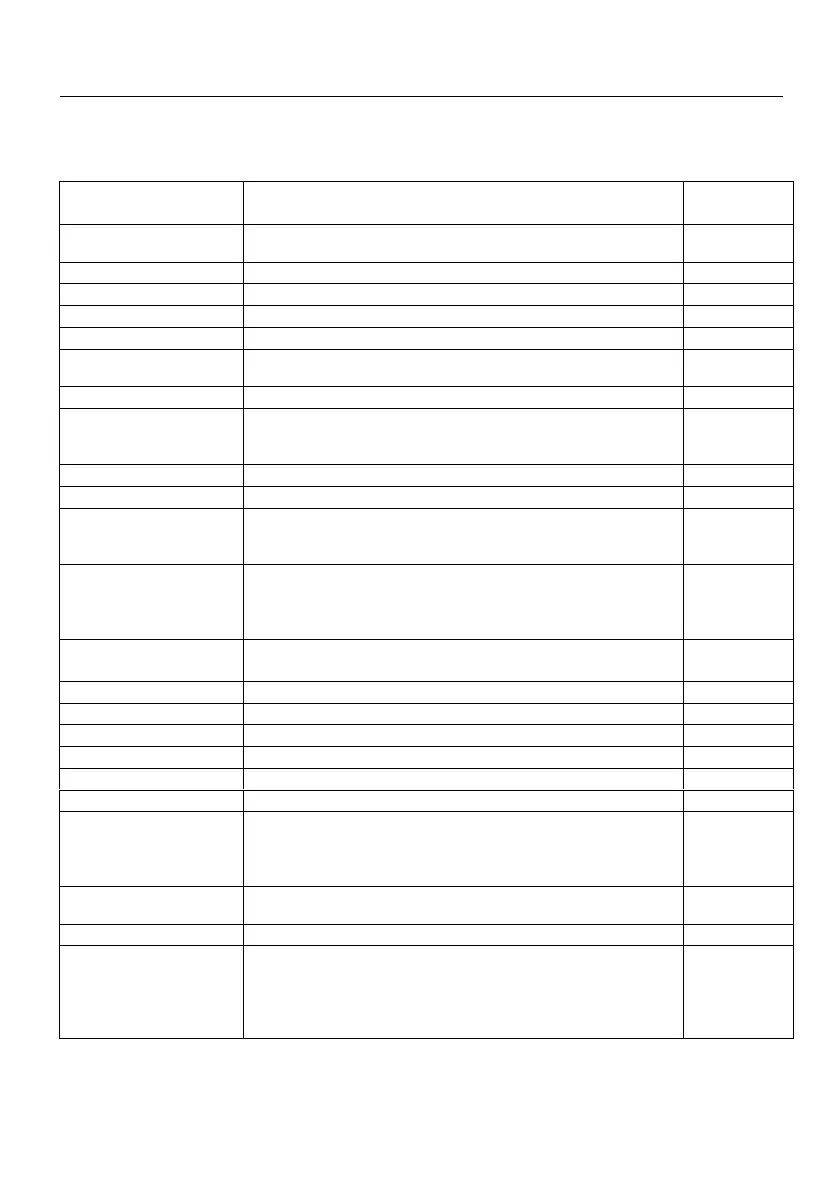
By the system parameters the ECR can be configured according the store
characteristics and client demands. There is scrolling menu with choice of system
parameters as shown in the bellow table:
Print advertising logo at the top of the receipt. The logo
file must be bmp format with dimensions 384 х 80.
Forbid discounts/additions
Obligatory enter sum before proceeding with payment
Defines whether or not to print receipt copy
Active PLU menu in Sale mode
Print barcode at end of the receipt.
Defines whether print or not barcode containing information
about № and date of print.
Automatically logout after receipt closure
Forbid check sum control over barcode. Allows using the
barcode of the article as nomenclature number, without
length and format restrictions
Scale operation. Allows getting quantity from connected
scale using QTY key in sale mode
No – don't get quantity
Yes – get quantity
External Display connected to the RS232C interface
On-Line (Fiscal Printer) connection in Sale mode
Keyboard is activated in On-Line (Fiscal printer) mode
Department report attached to the daily report
Article report attached to the daily report
Operators report attached to the daily report
Customer report attached to the daily report
Operation with whole or fractional numbers.
Caution!!! by changing this automatically are changed
all programmed prices (for example 10,00 is transformed to
1000 and vice versa ). Waits for confirmation.
YES
fractional
numbers type
0,00
Forbid work with free entered prices for articles
Format of sale
Brief – information about quantity and single price are
merged on single line and if the quantity is 1 it isn't printed.
Detailed – information for name, quantity, single price and
sum are printed on separated lines each.



 To Next Page