User manual TREMOL M23
27
ECR Reports
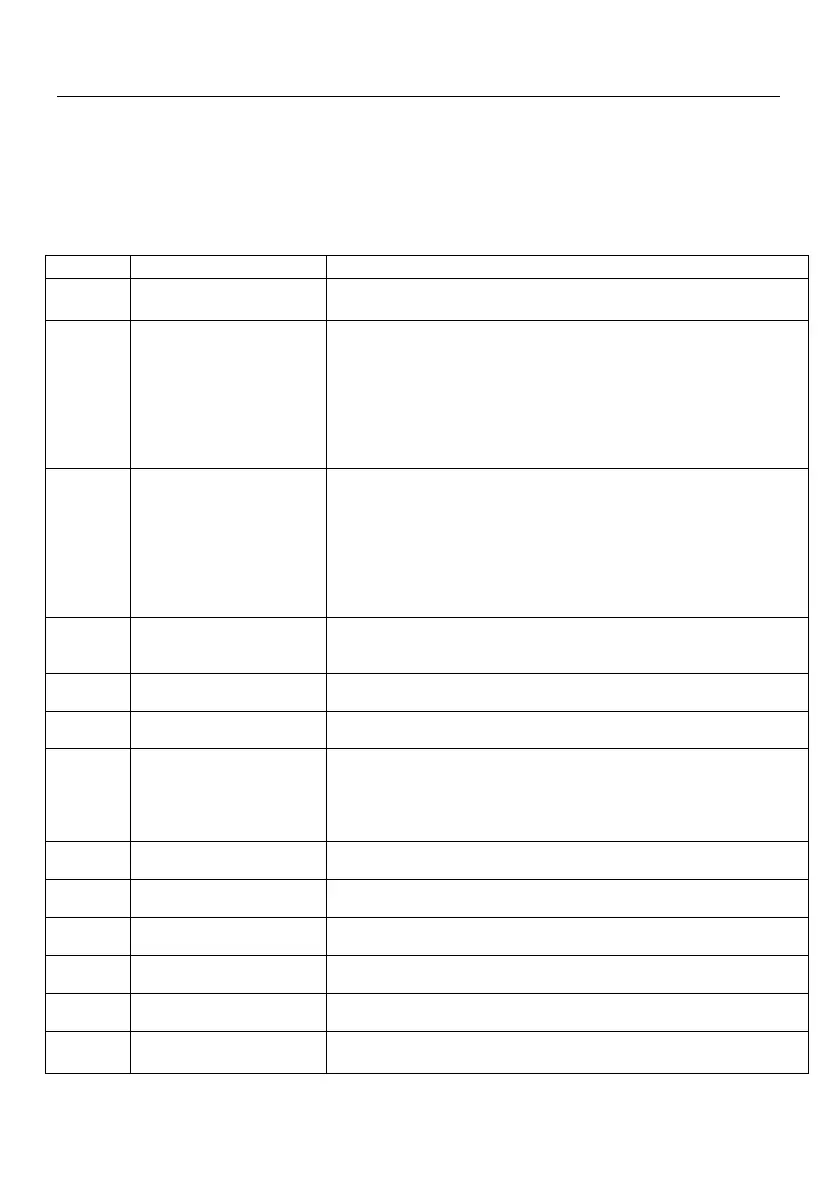
The ECR reports contain information about all sales, money flow, stock
movement. Depending on the chosen report, reading or reading with clearing of the
reports is performed.
RAPORT Z
To select one press the corresponding key.
Functional keys:
Daily fiscal report (with register clearing and record in FM
in “Report Z” operation mode);
Brief or detailed report can be printed. The detailed report
contains each daily record and summary information about the
period. The brief report contains only records date and number
in the period and summary sums. The journal numbers for the
period are also included.
1
Brief report by tax groups – Short;
2 Detailed report by tax groups – detailed
Brief or detailed report can be printed. The detailed report
contains each daily record and summary information about the
period. The brief report contains only records date and number
between the blocks and summary sums. When the ECR is with
EJ the journal numbers for the period are also included.
1 Brief report by block number – short;
2Detailed report by block number– detailed;
This is report of turnovers and quantity sold in all 20 departments
for the period of last zeroing to the present. Cleaning of the
report begins automatically.
Reports of turnovers and quantity sold of all articles in the ECR
Reports of all amount due by the ECR operators. Cleaning is
automatically.
Contains the turnover and number of invoices issued to
customers programmed into the cash register database and the
turnover of the invoices issued to customers whose data were
entered at the time of the sale. The report is automatically
zeroed along with the daily Z report.
EJ Report by dates (start and end date)
EJ Report by numbers of Z Reports
Full EJ Report (from beginning to now)
This is report of events, stored in the FM.
Print help information for key sequence of different
possible reports.



 To Next Page