User manual TREMOL M23
19
Programming article barcode by barcode scanner
Choose article. Read the article barcode on the label with the connected to ECR and setup
barcode scanner. If the barcode is read correctly, a little sound signal is emitted and the
barcode is printed. ECR doesn't allow identical barcodes for different article.
OPERATORS PROGRAMMING. [6]
ECR allows operation with up to 20 operators. Default ECR works with 1 operator
with password “0”. If more operators are needed first must set their number, and then login
names and passwords.
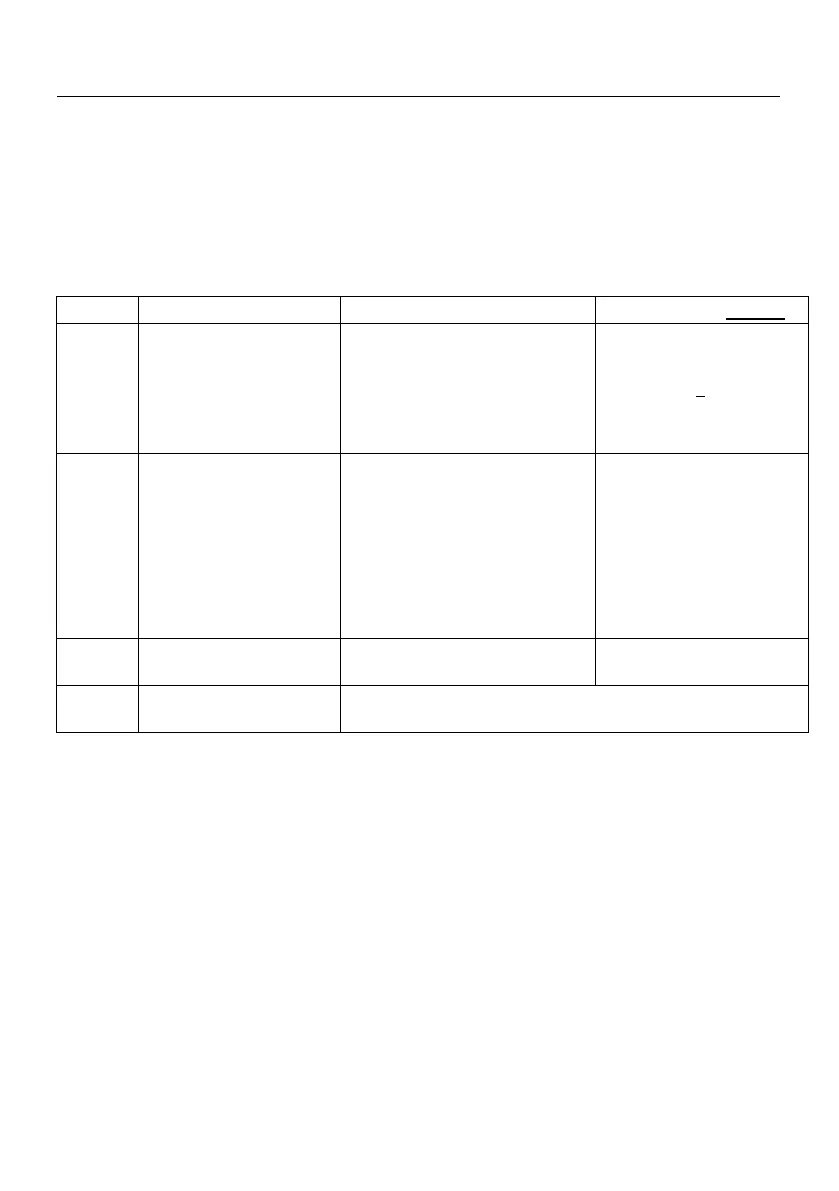
Function keys:
Set operators number by
+Scrolls to greater operator
number or - Scrolls to lesser
operator number
Enter operator password
programming menu
Up to 6 digits (if the digits are
less than 6, the entering is
completed with = )
Default operator 1 password:
0 =
;Delete operator
password
Choosing the number of operator
Prints set up operator names
Programming operator password by barcode scanner.
Choose operator. Programming of barcode password is same as article barcode
with prepared in advance barcodes for different operators. ECR doesn't allows same
barcodes for different operators.
Login into sales mode is possible both with barcode passwords or manually.
The operator barcode is with 13 digits. Barcode reading of the digits is as follows:
2 digits – barcode prefix (programmed in general ECR parameters)
3 digits – first three digits of the password in reverse order
2 digits – division by 100 remainder of the product of before three digits
3 digits – next first three digits of the password in reverse order
2 digits – division by 100 remainder of the product of before three digits
1 digit – barcode checksum



 To Next Page