18
Setup Wizard
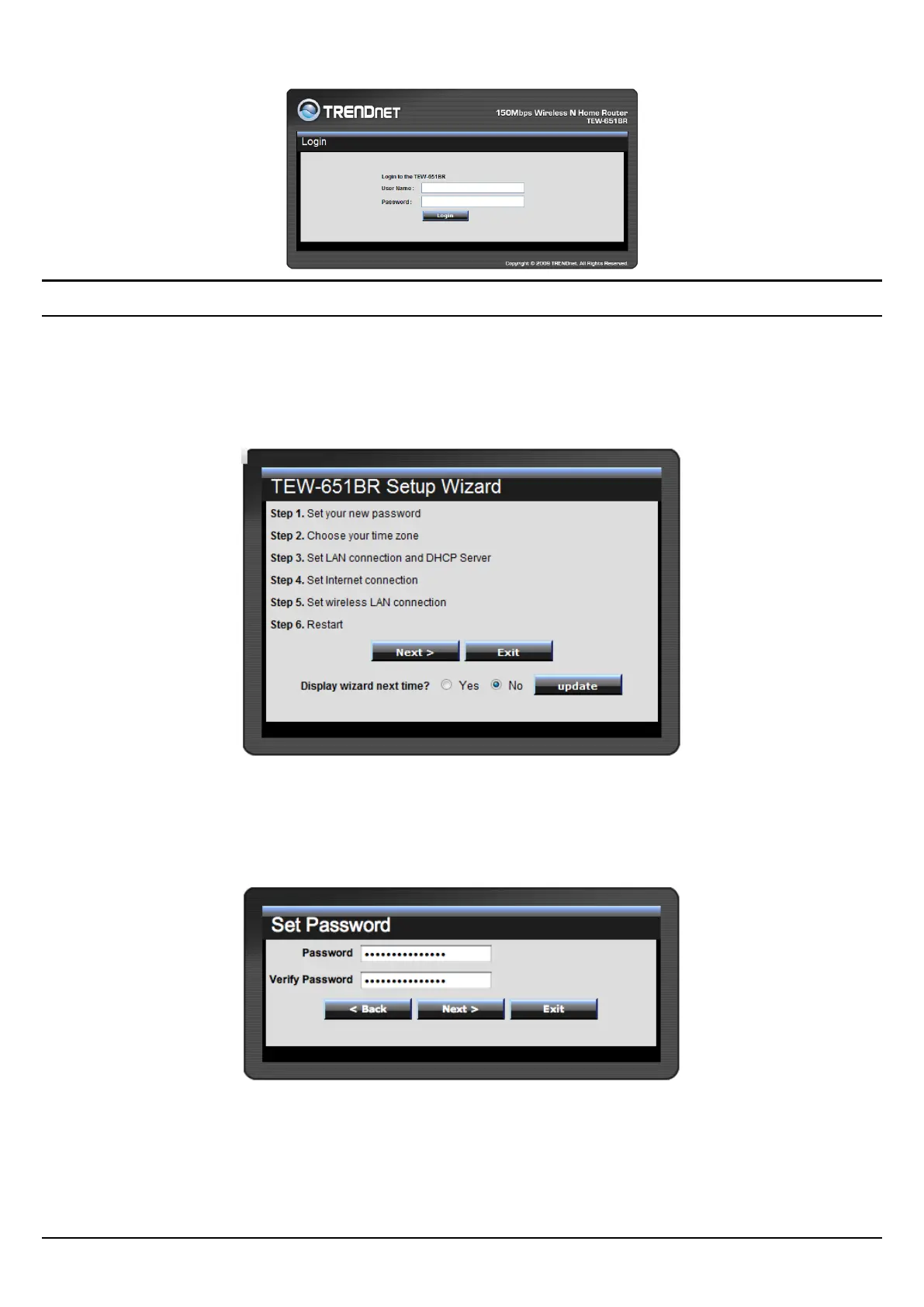
Setup wizard is provided as part of the web configuration utility. User can simply
follow the step-by-step process to get the wireless Router configuration ready to
run in 6 easy steps by clicking on` the “Wizard” button on the function menu. The
following screen will appear. Please click “Next” to continue.
Step 1: Set your new password
Setting the new admin password of the WLAN Router. Please click “Next” to
continue.















 To Next Page