43
2.4Ghz 802.11b only - Select if you are using 802.11b wireless clients only.
Channel Width: Select the Channel Width:
20MHz – This is the default setting. Select this option if you are not using any
802.11n wireless clients.
Auto 20/40 MHz - Select this option if you are using both 802.11n and non-
802.11n wireless devices.
SSID Broadcast: While SSID Broadcast is enabled, all wireless clients will be able to
view the WLAN Router’s SSID. Note: Disabling SSID broadcast will disable the WPS
function.
WMM: Enable the Wi-Fi Multi-Media will offer Wi-Fi networks stable that improve
the user experience for audio, video, and voice applications by prioritizing data
traffic.
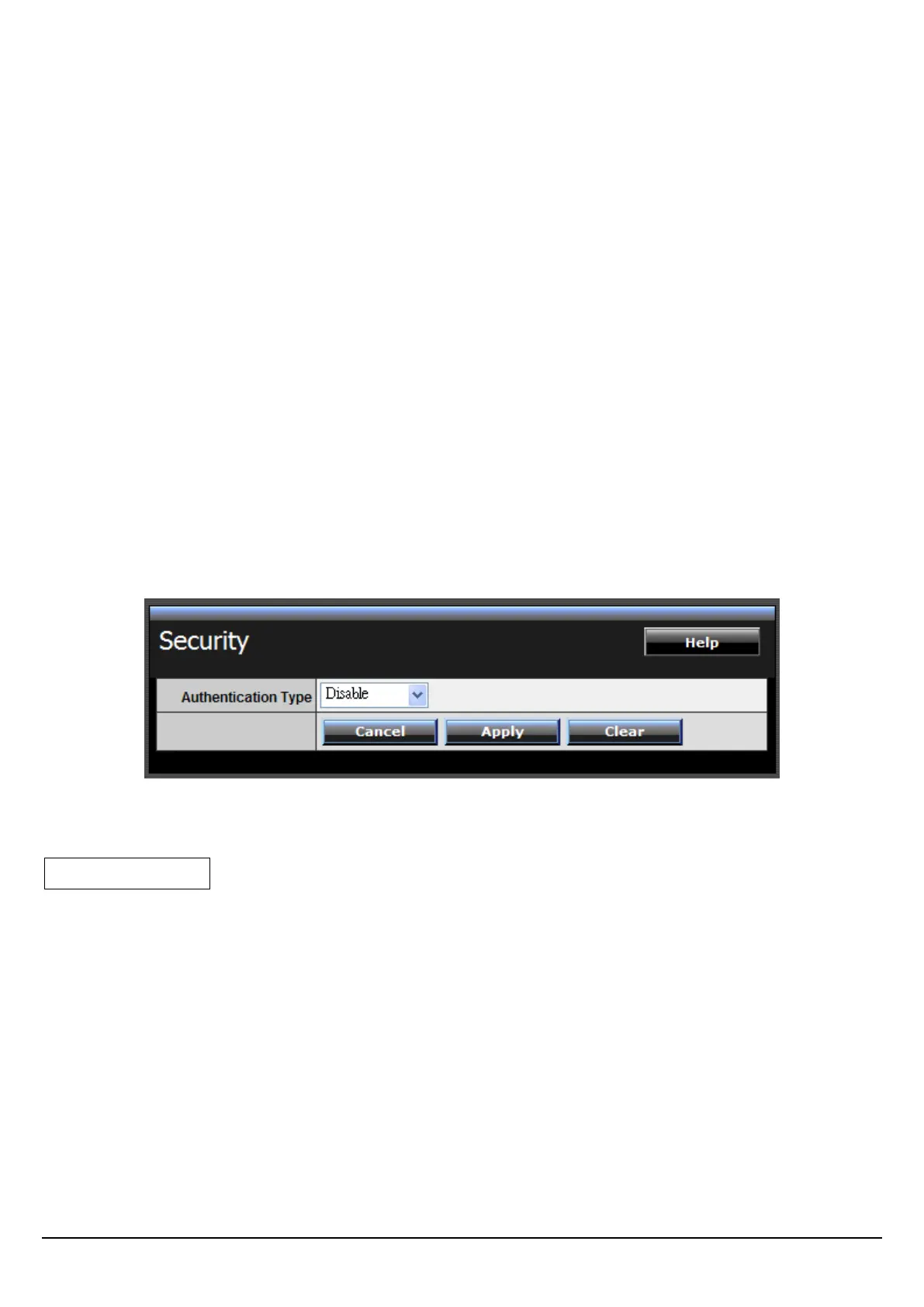
Security
Authentication Type: The authentication type default is set to open system.
There are four options: Disabled, WEP, WPA, WPA2 and WPA-Auto.
WEP: Open System and Shared Key requires the user to set a WEP key to
exchange data with other wireless clients that have the same WEP key.
Mode: Select the key type: ASCII or HEX
WEP Key: Select the level of encryption from the drop-down list. The WLAN
Router supports, 64 and 128-bit encryption.















 To Next Page