66
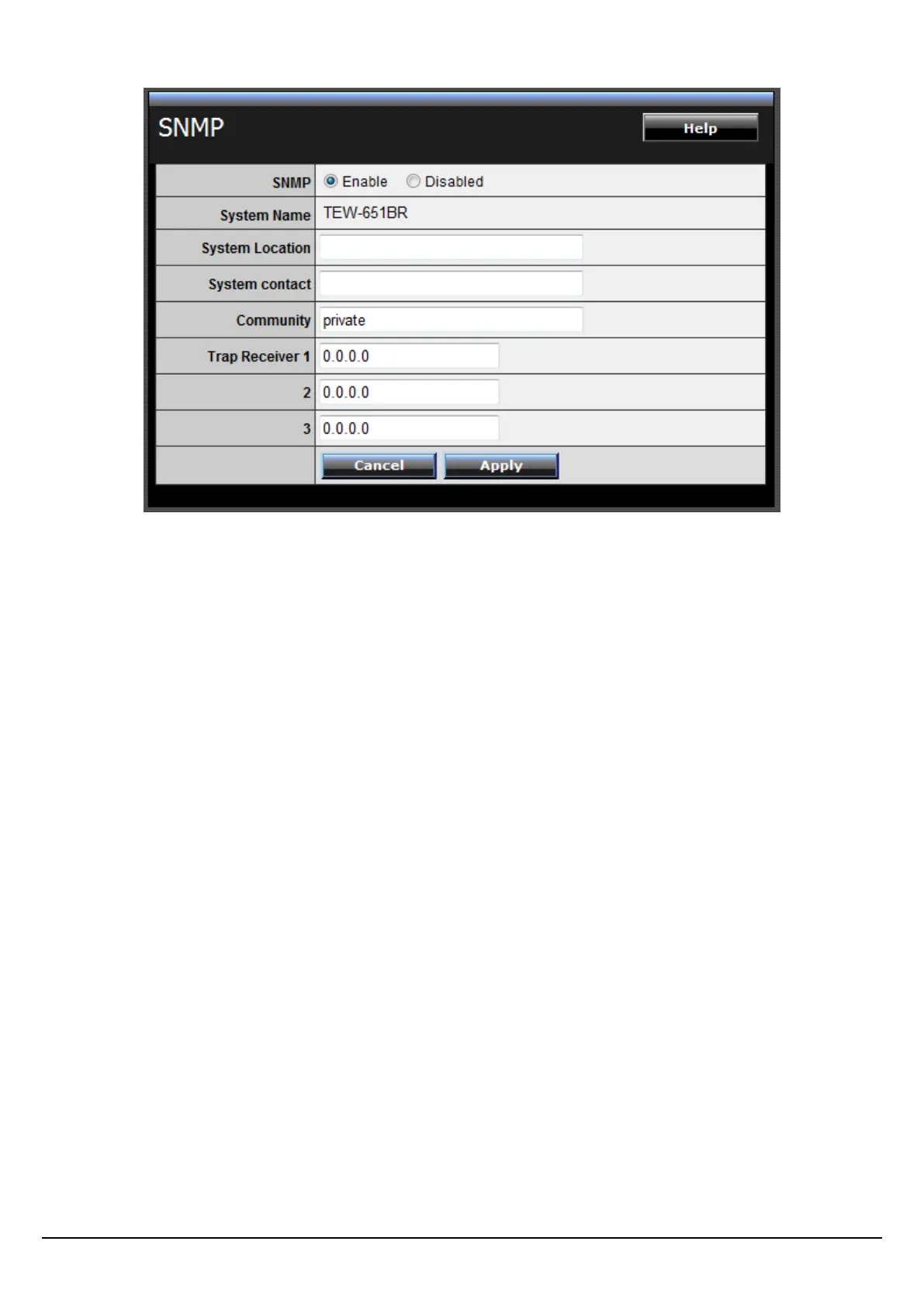
SNMP: Select Enable to enable SNMP on the router.
System Location (optional): Type in the System Location to briefly describe the
location of the device.
System Contact (optional): Type the System Contact to identify the name of the
contact or device administrator.
Community: Type the SNMP community name. This should match the SNMP
community name of the external SNMP management station/Trap Receiver.
Trap Receiver 1/2/3: Type the IP address of the external SNMP management
station/Trap Receiver. Up to 3 SNMP management stations/Trap Receivers may be
defined.
Remote Management
This screen enables users to set up remote management. Using remote
management, the WLAN Router can be configured through the WAN via a Web
browser. A user name and password are required to perform remote management.















 To Next Page