52
Wireless
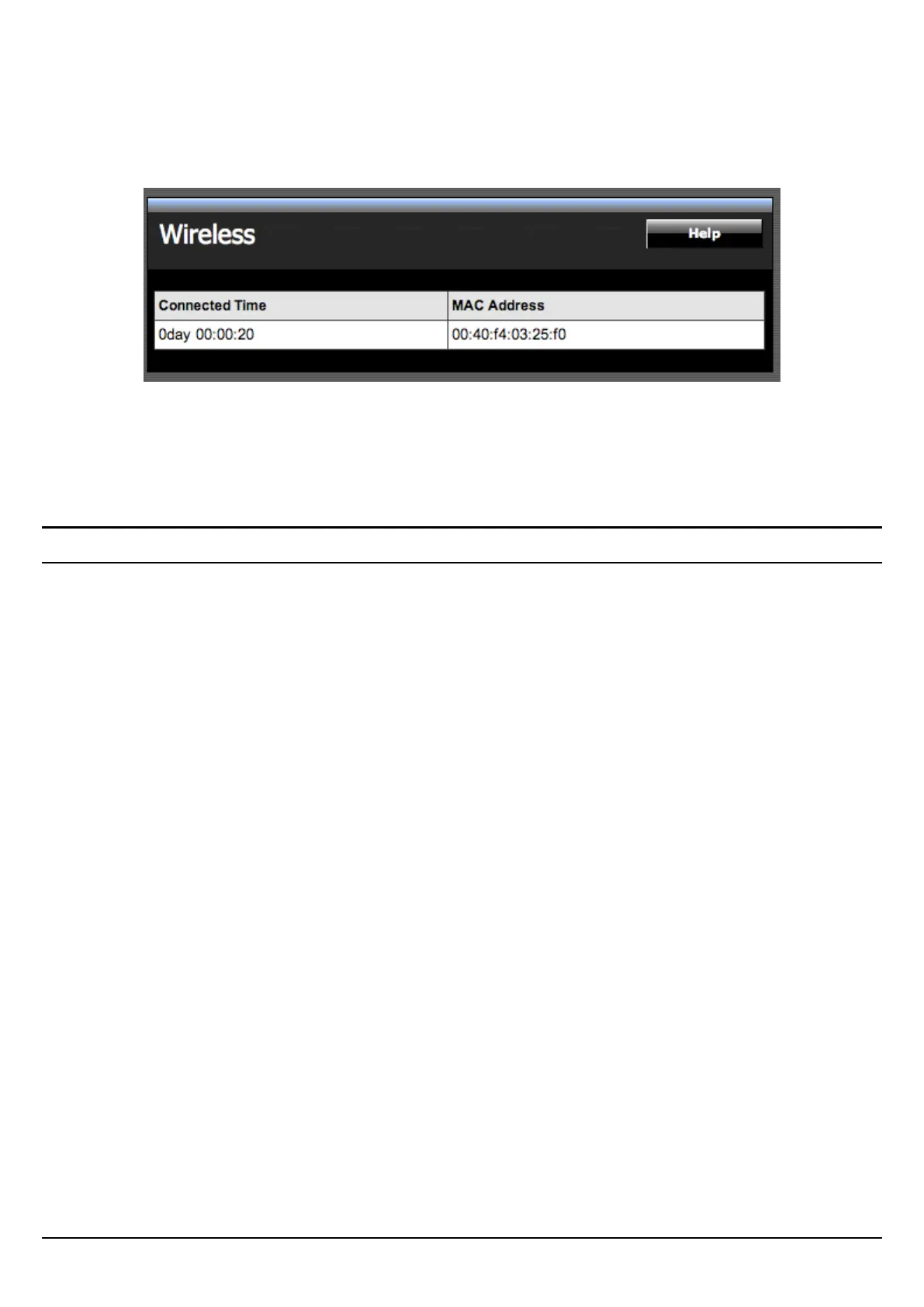
This screen enables users to view information about wireless devices that are
connected to the WLAN Router.
Connected Time: Displays the time duration of wireless clients connection to the
WLAN Router.
MAC Address: Displays the wireless client’s MAC address.
Routing
This selection enables users to set how the WLAN Router forwards data: Static and
Dynamic. Routing Table enables users to view the information created by the
WLAN Router that displays the network interconnection topology.















 To Next Page