TEW-753DAP User’s Guide System Conguration
© Copyright 2013 TRENDnet. All rights reserved.
11
6
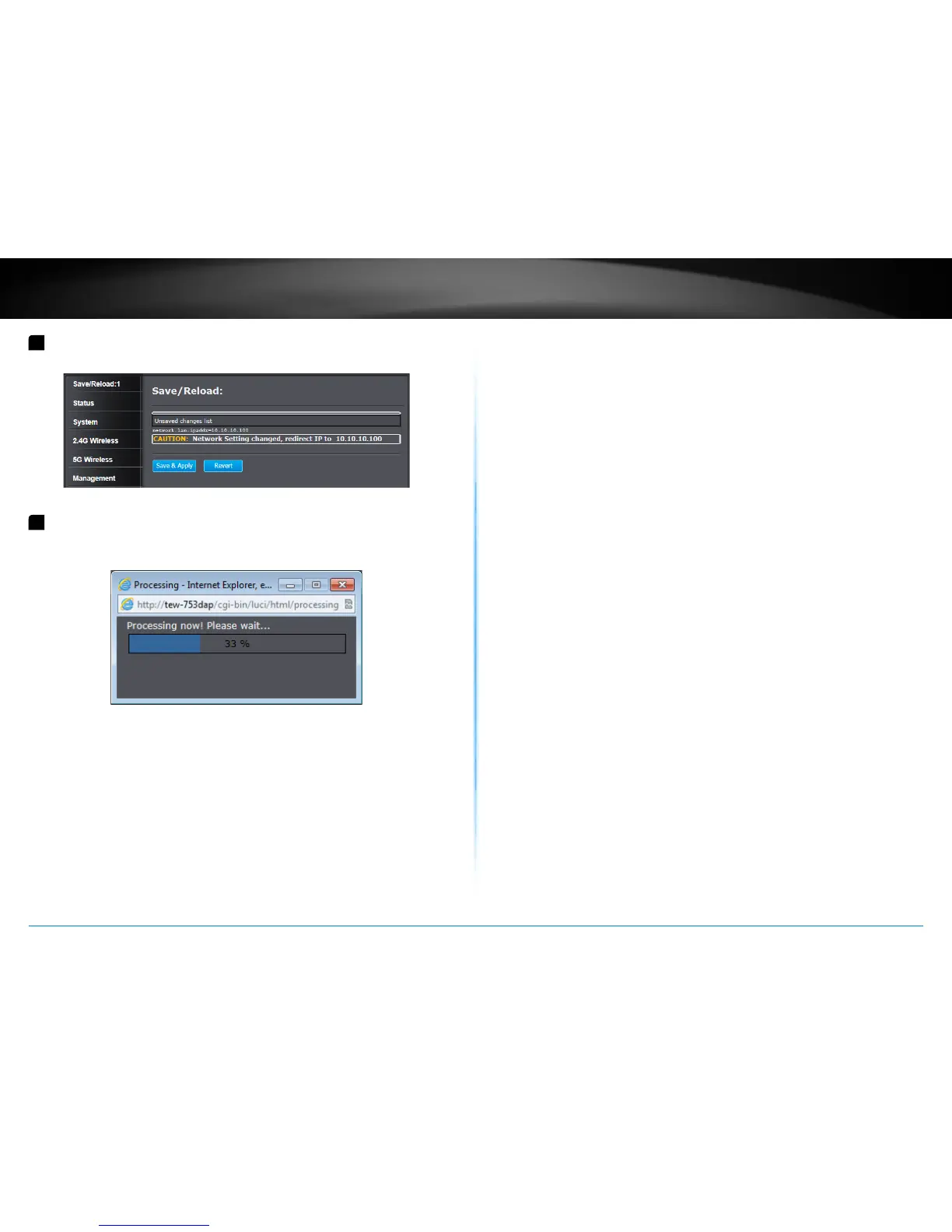
Click Save/ Reload on top of the menu and then click Save & Apply�
7
TEW-753DAP will apply password change and then reboot. Login
again with your new password.
* Make sure you are sll connecng to TEW-753DAP aer reboot if
you wireless connects to TEW-753DAP.















 To Next Page