51
To select a style or theme:
• From the Display Set Up menu,
push the joystick down to select
the THEME (if equipped) and
STYLES menu.
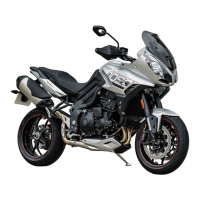
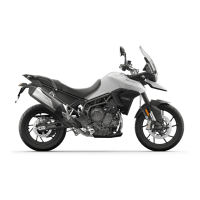
– Tiger 800 XRT and Tiger 800
XCA: Push the joystick down/
up to scroll between the
themes.
– Press the joystick center to
confirm the selected theme.
– All Models: Push the joystick
down/up to scroll between the
styles.
– Press the joystick center to
confirm the selected style.
• The new theme or style will be
saved. Press the HOME button to
exit.
Note:
• Selecting AUTO will prevent a style
tray from being displayed. The style
is changed with riding modes.
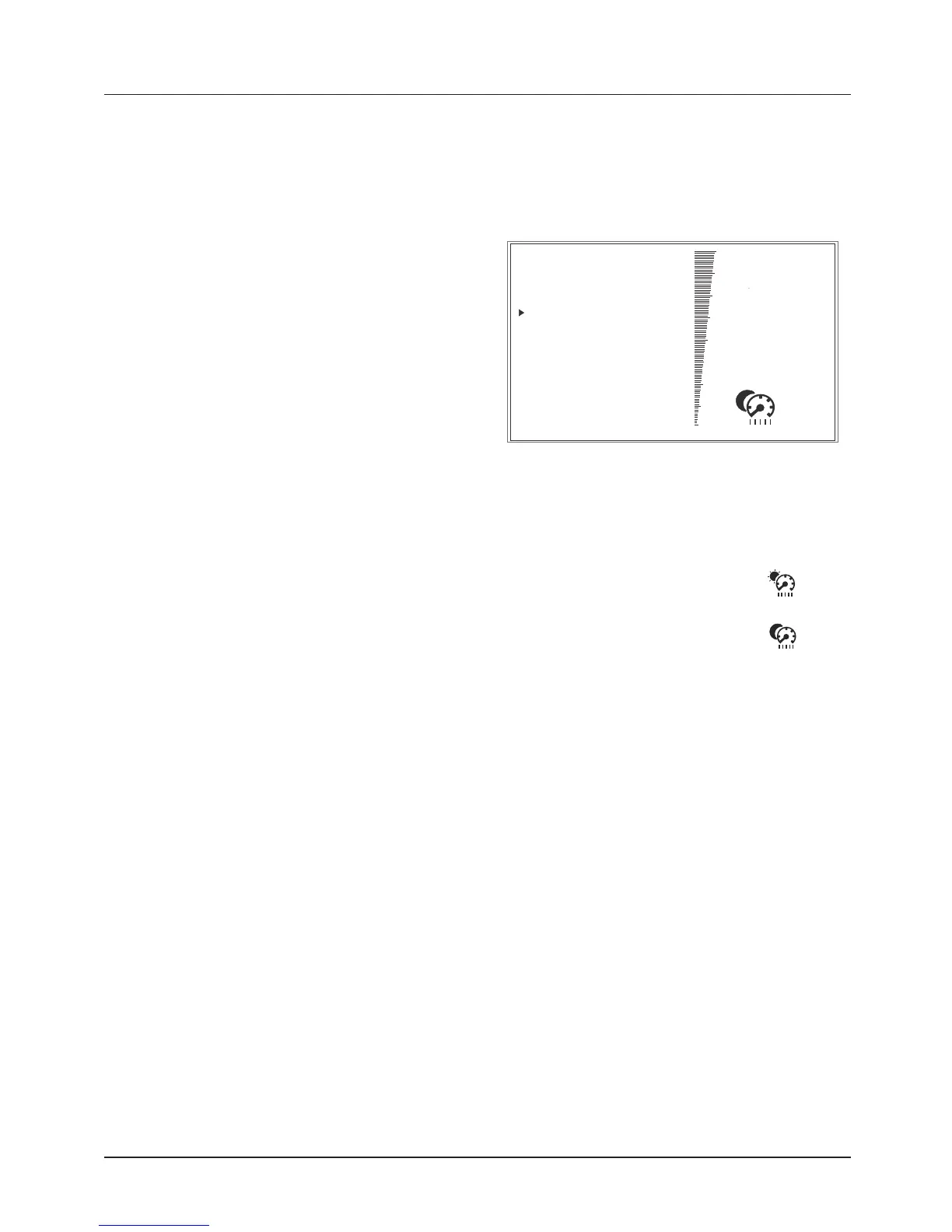
Display Set Up - Brightness
The brightness feature allows the
screen’s brightness contrast to be
changed for day time and night time
riding.
BRIGHTNESS
(LOW CONTRAST)
BRIGHTNESS (High Contrast)
THEME
BRIGHTNESS (Low Contrast)
VISIBLE TRAY
LANGUAGE
UNITS
CLOCK
DATE
DISPLAY SETUP
BRIGHTNESS (LOW CONTRAST) Shown
There are two brightness options to
choose:
• High contrast (day time
mode)
• Low contrast (night time
mode)
To change the brightness level:
• From the Display Set Up menu,
push the joystick down to select
BRIGHTNESS and press the joystick
center to confirm.
• Push the joystick down to select
BRIGHTNESS (High Contrast) or
BRIGHTNESS (Low Contrast) menu.
• Press the joystick center to select
the required menu.
• Push the joystick down/up to
adjust the brightness.
• Press the joystick center to confirm
the required level of brightness.
• Press the HOME button to return
to the main display.







 To Next Page