GENERAL INFORMATION
56
Display Setup - Brightness
There are eight levels of brightness
options to select from. Level 8 is the
brightest option.
To adjust the brightness:
▼ From the Display Setup menu, select
from 1 to 8 to adjust the brightness.
Note
In bright sunlight, low brightness
settings will be overridden to make sure
that the instruments can be viewed at
all times.
Display Setup - Visible Tray
The Visible Trays menu allows the
selection of the items to be shown in
the information tray.
Trip 1
Trip 2
Fuel Status
Service Interval
TPMS
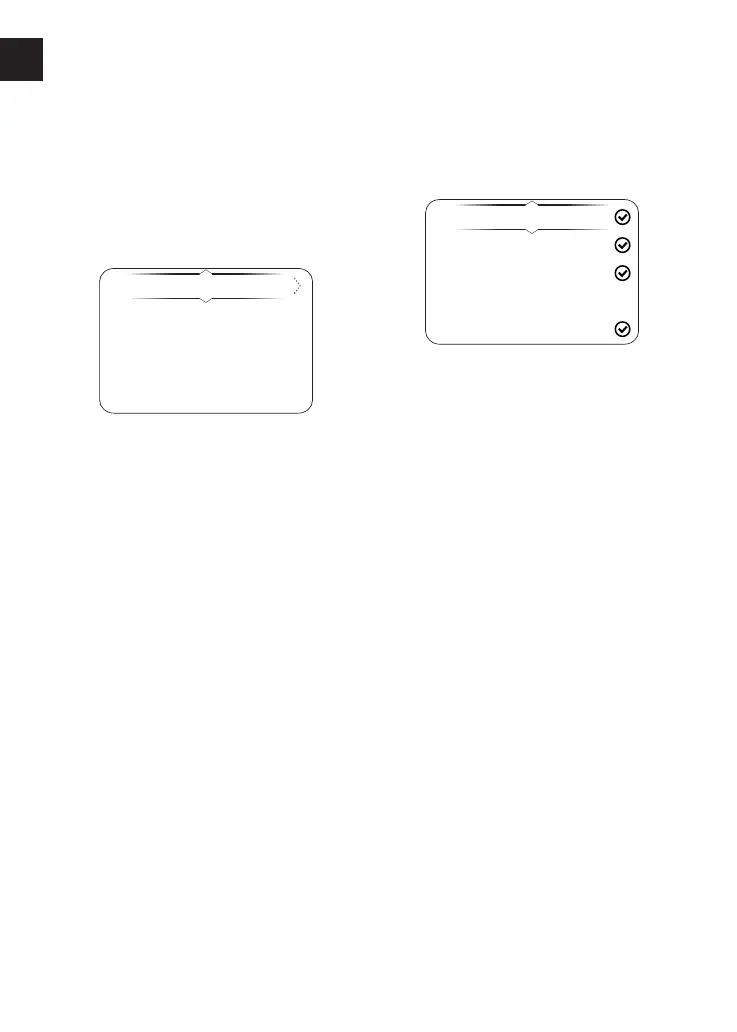
To select the Visible Trays menu:
▼ From the Display Setup menu, press
the Up and Down buttons to select
the Visible Trays option.
▼ Press the Right button to show the
available options.
▼ Press the Up and Down buttons until
the required information tray item is
highlighted.
▼ Press the Select button to select/
deselect the information tray.
▼ An information tray item with a tick
next to it will be shown in the
information tray. An information tray
item without a tick next to it will not
be shown in the information tray.












 To Next Page