GENERAL INFORMATION
55
Trip 2 Display
The Trip 2 Display menu allows the Trip 2
meter to be enabled or disabled. If Trip 2
is disabled, it will no longer be shown in
the information tray.
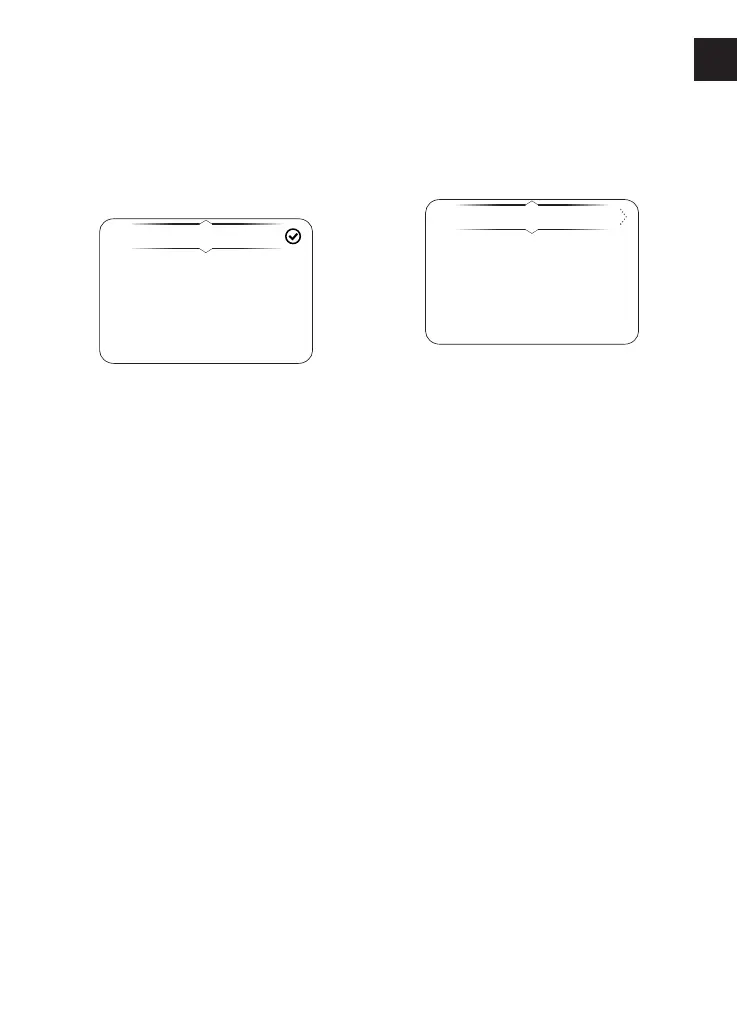
To enable or disable the Trip 2 meter:
▼ From the Trip Setup menu, press the
Up and Down buttons to select Trip 2
Display.
▼ Press the Right button to view the
options.
▼ Press the Up and Down buttons to
scroll between Enabled and Disabled.
▼ Press the Select button to confirm
the selection. A tick is shown to
indicate the selected option.
Display Setup Menu
The Display Setup menu allows
configuration of the different display
screen options.
Brightness
Visible Trays
Gear Shift Ind.
Language
To access the Display Setup menu:
▼ From the Main Menu, press the Up
and Down buttons to select Display
Setup.
▼ Press the Right button to open the
Display Set up menu options.
▼ Select the required option from the
list to access the relevant
information.












 To Next Page