GENERAL INFORMATION
57
Display Setup - Gear Shift Ind.
The Gear Shift Ind. option allows the
adjustment of the gear shift indicator.
Running In
Default
User Defined
Disabled
The engine speed threshold can be
defined and reset, and the gear shift
indicator can be disabled. Once the
engine has been broken in (at
1,000 miles/1,600 km), the Breaking In
option is replaced with a Default option.
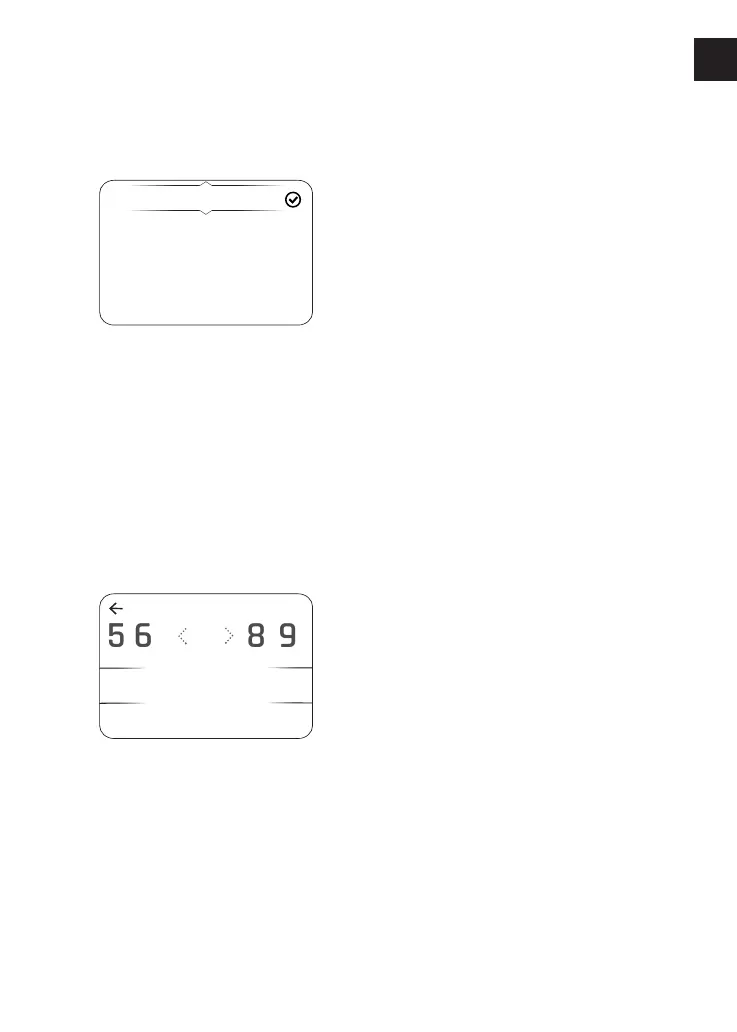
To adjust the engine speed threshold
(RPM) for the gear shift indicator:
▼ From the Gear Shift Indicator menu,
press the Up and Down buttons to
select User Defined and press the
Select button to confirm.
Shift Indicator
7
7
ENTER
85 6 9
000
RPM
▼ The previously stored or default rpm
will be shown initially. Press the Left
and Right buttons to scroll through
to the delete symbol.
▼ Press the Select button to delete
each number.
▼ Press the Left and Right buttons to
scroll through the numbers.
▼ Press the Select button to confirm
the number. Numbers other than '0'
will add in hundreds, for example, '4'
will add '400' each time it is selected.
To disable the gear shift indicator:
▼ Press the Up and Down buttons to
select Disable and press the Select
button to confirm.












 To Next Page