GENERAL INFORMATION
58
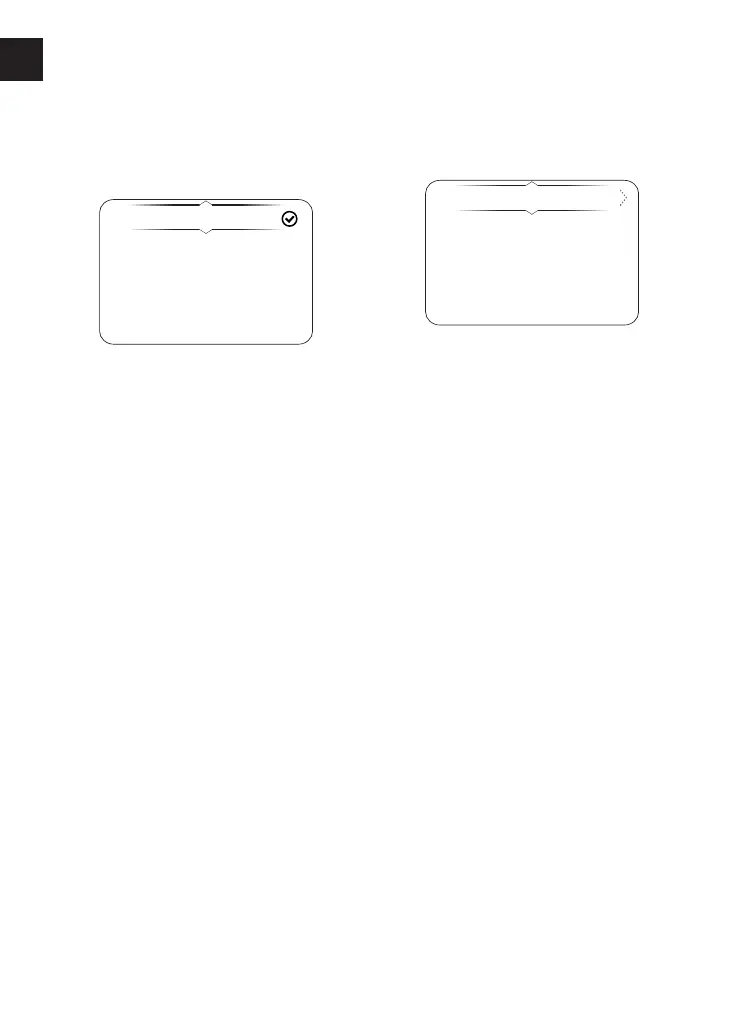
Display Setup - Language
The Language menu allows the
preferred language to be used as the
instrument display language.
English
Francais
Deutsch
Nederlands
Italiano
To select the required language for the
instruments:
▼ From the Display Setup menu, press
the Up and Down buttons to select
the Languages option.
▼ Press the Right button to confirm
and display the available language
options.
▼ Scroll the menu by pushing the Up
and Down buttons until the required
language option is highlighted.
▼ Press the Select button to select/
deselect the required language. A
tick is shown to indicate the selected
option.
Display Setup - Units
The Units menu allows the selection of a
preferred unit of measurement.
Distance/Economy
Temperature
Pressure
To select the required units of
measurement:
▼ From the Display Setup menu, press
the Up and Down buttons to select
Units.
▼ Press the Right button to show the
available options.
To change the unit of measurement:
▼ Press the Up and Down buttons to
select the required option.
▼ Press the Right button to show the
available options.
▼ Press the Up and Down buttons to
select the required unit of
measurement.
▼ Press the Select button to confirm. A
tick is shown to indicate the selected
option.
The options available are:
Distance/Economy: Miles & MPG (UK),
Miles & MPG (US), KM & L/100KM, KM &
KM/L.
Temperature: °C, °F.
Pressure: PSI, bar, KPa.












 To Next Page