GENERAL INFORMATION
59
Display Setup - Clock
The Clock menu allows the adjustment
of the clock to be set to the local time.
To set the clock:
▼ From the Display Setup menu, press
the Up and Down buttons to select
Clock.
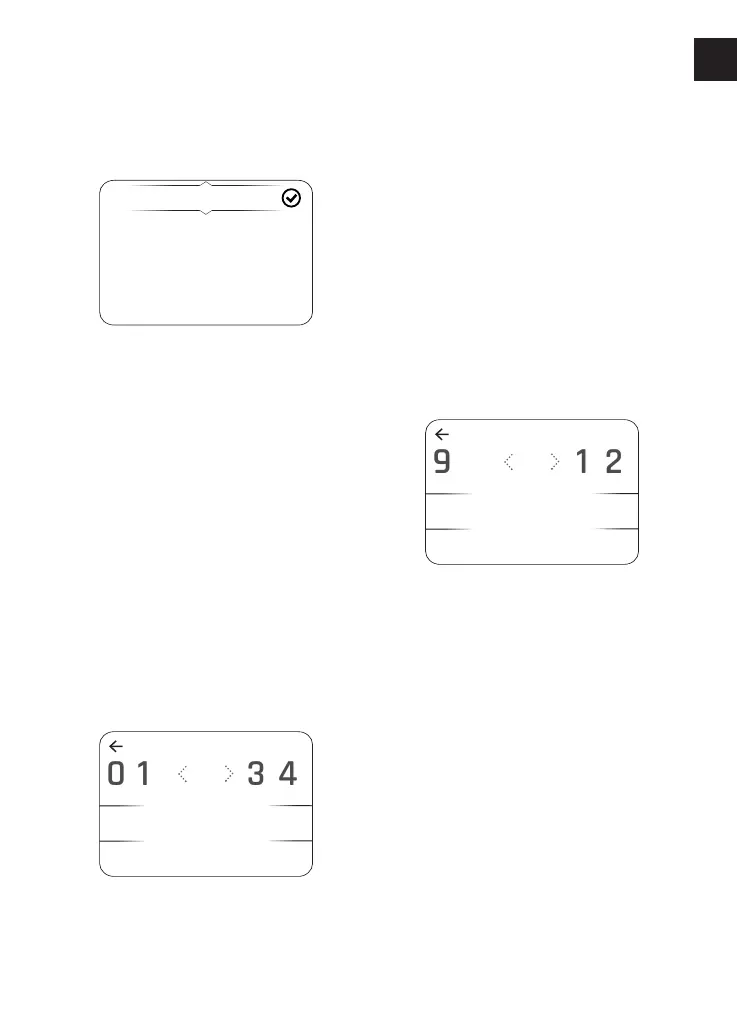
▼ Press the Right button to show the
available options.
▼ Press the Up and Down buttons to
select 12 HR or 24 HR clock and press
the Select button to confirm
selection. A tick is shown to indicate
the selected option.
▼ The clock will display in either 12 or
24 hour format depending on
selection.
To adjust the hour setting:
▼ Select Hours and press the Right
button to be shown the HOURS
display.
▼ Press the Left and Right buttons to
scroll through the numbers to select
the correct time. When the number
is highlighted, press the Select
button to confirm. The number
appears below. Repeat this step to
select the next number.
▼ When the hour number is correct,
press the Up button until at the top
of the display and press the Left
button to return to the Clock display.
To adjust the minute setting:
▼ Select MINUTES and press the Right
button to be shown the MINUTES
display.
▼ Press the Left and Right buttons to
scroll through the numbers to select
the correct time in minutes. When
the number is highlighted, press the
Select button to confirm. The number
appears below. Repeat this step to
select the next number.
▼ When the minute number is correct,
press the Up button until at the top
of the display screen and press the
Left button to return to the Clock
display.












 To Next Page