GENERAL INFORMATION
60
Display Setup - Date
The Date option allows the date and
date format to be adjusted.
To set the date format:
▼ From the Display Setup menu, press
the Up and Down buttons to select
Date. Press the Right button to show
the available options.
▼ Press the Up and Down buttons to
select Date Format. Press the Right
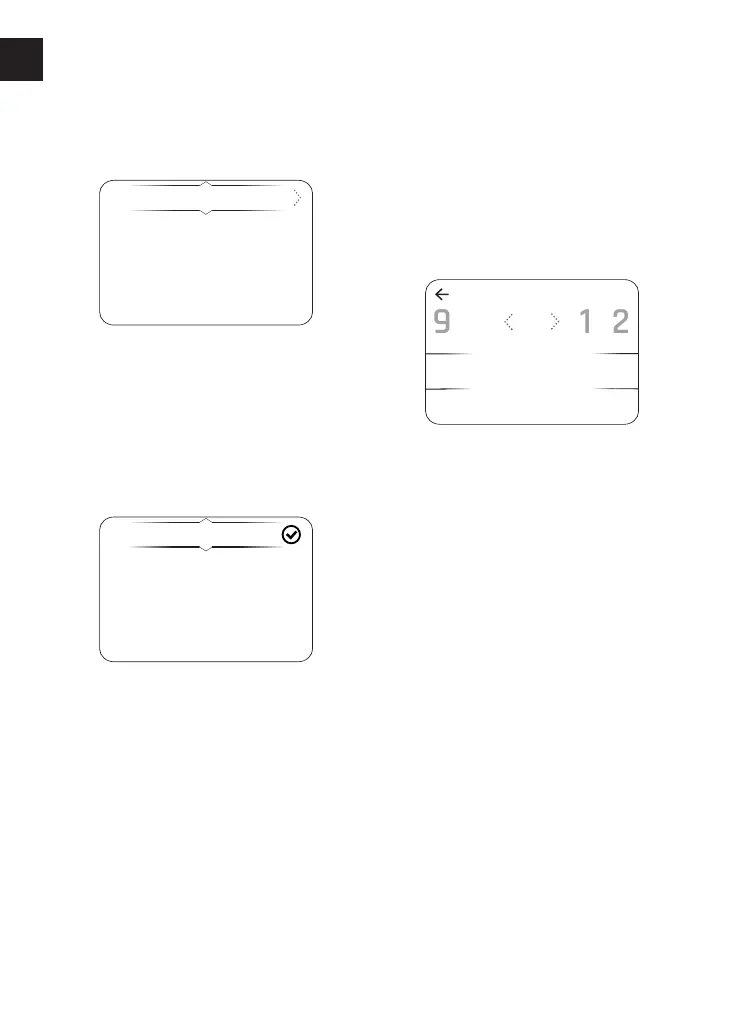
button to show the available options.
DD-MM-YYYY
MM-DD-YYYY
YYYY-MM-DD
▼ Press the Up and Down buttons to
select the required date format
option. Press the Select button to
confirm the selection. A tick is shown
to indicate the selected option.
To set the year:
▼ From the Display Setup menu, press
the Up and Down buttons to select
Date. Press the Right button to show
the available options.
▼ Press the Up and Down buttons to
select Year. Press the Right button
to show the SET YEAR display.
▼ Press the Left and Right buttons to
scroll through the numbers to select
the required first number of the four
digit year.
▼ Once the required number is
highlighted, click on the Select
button to confirm. Repeat the
procedure until the year required is
shown.












 To Next Page