P. 33
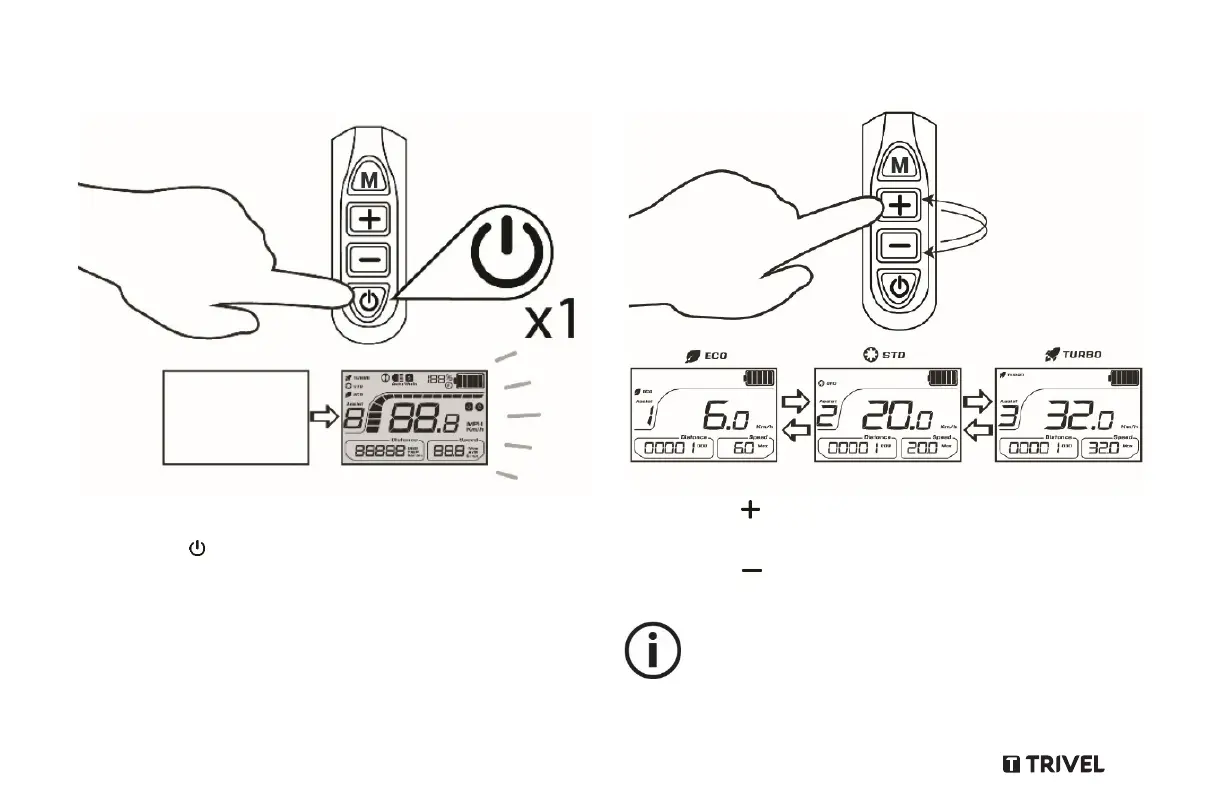
Step 3: Turn the system ON
1. Get seated and put at least one foot on the ground.
2.
Press the Power button on the control panel until the LCD
Screen lights up. The default power assistance level at start
up is 0.
Step 4: Choose an assistance level
1. Press the button on the control panel to switch to a higher
power assistance level (0 to 5).
2. Press the button on the control panel to switch to a lower
power assistance level.
Level 1 provides the least power assistance, while level 5
provides the most. Level 0 provides no power assistance.



 To Next Page