P. 35
1.
Make sure the way is clear in front of
you.
2.
Hold on firmly to the handlebars and
begin pedalling. The power assistance
will kick in quickly.
Make sure the battery is securely locked
on the frame before getting started!
Check your battery charge level before
going for a ride! Don’t run out of power
far away from home!
Every time the power assistance system
is turned OFF, the assistance mode and
level will reset and return to 0 once the
system is turned ON again.
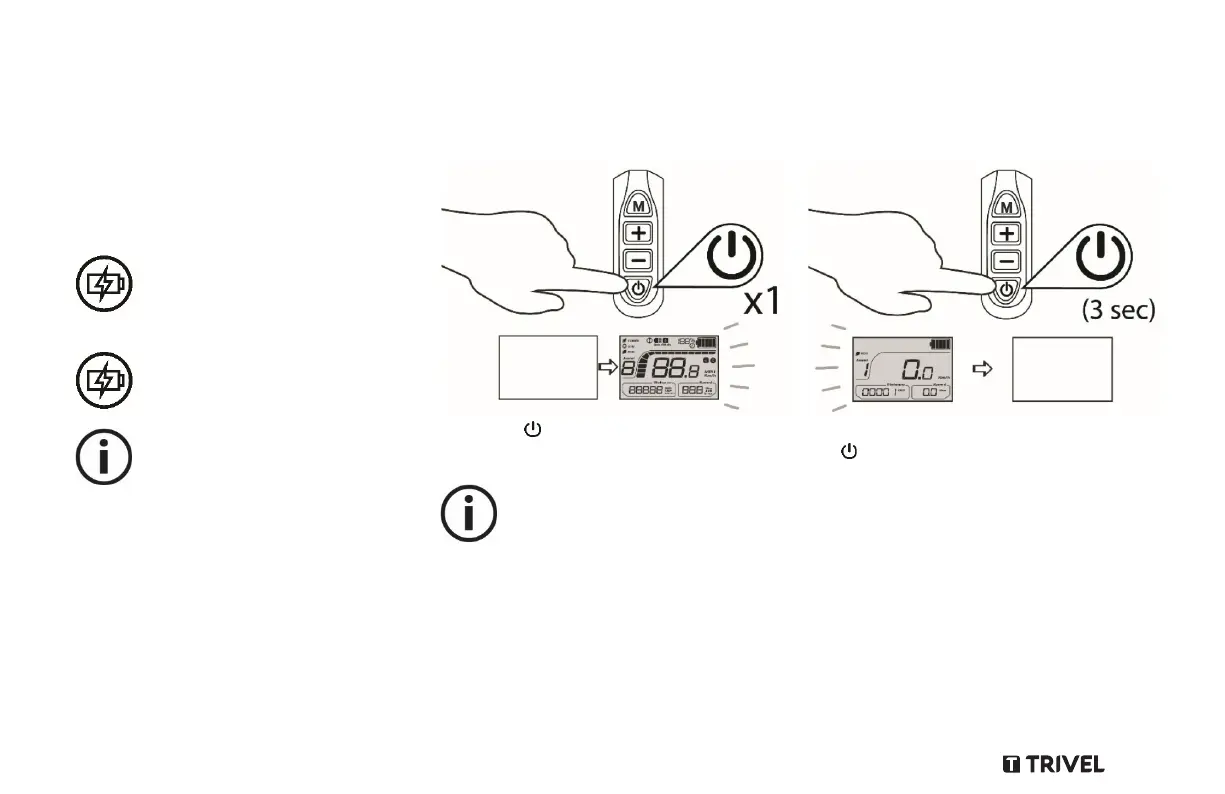
Using the LCD Screen functions
Turning the LCD Screen ON
Press the Power button on the control
panel to turn the LCD Screen ON.
In order to save battery capacity the
LCD Screen will shut down automatically
after 10 minutes inactivity or without
input.
Turning the LCD Screen OFF
To turn the LCD Screen OFF press and hold
the Power button on the control panel
for 3 seconds.



 To Next Page