P. 36 — User manual V3
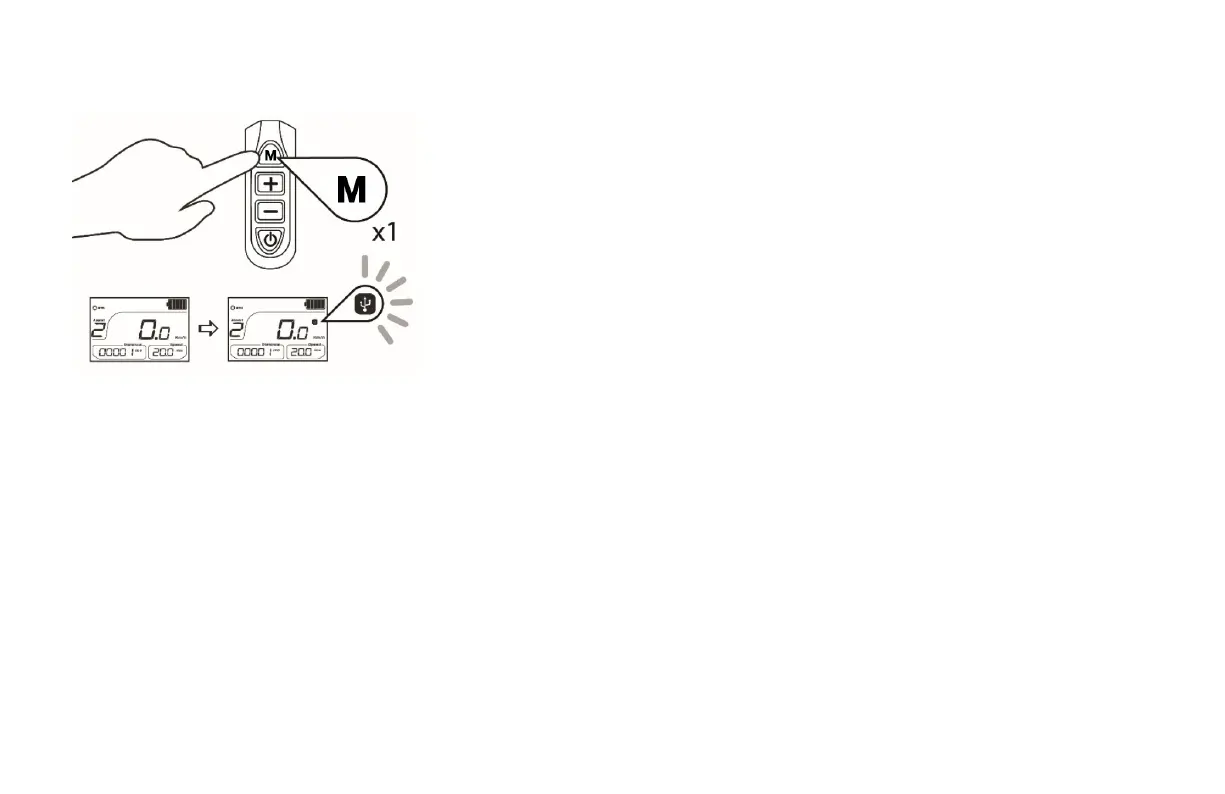
Activating the USB charging function
Once the LCD Screen has been turned ON,
briefly press the M button on the control
panel to activate the USB charging function.
The USB logo will light up.
Deactivating the USB charging function
To de-activate the USB charging function
briefly press the M button again. The USB
logo will disappear.



 To Next Page