Install “Camera Live” Utilities & View Multiple Cameras on a PC
Insert provided Software CD into computer’s CD-ROM drive. If the software installation program does not
start automatically, open CD-ROM Drive and double click on “Auto Run”.
Install “Camera Live” applications on your computer using “Install Software” option.
The following icons will appear on the desktop after software installation is completed:
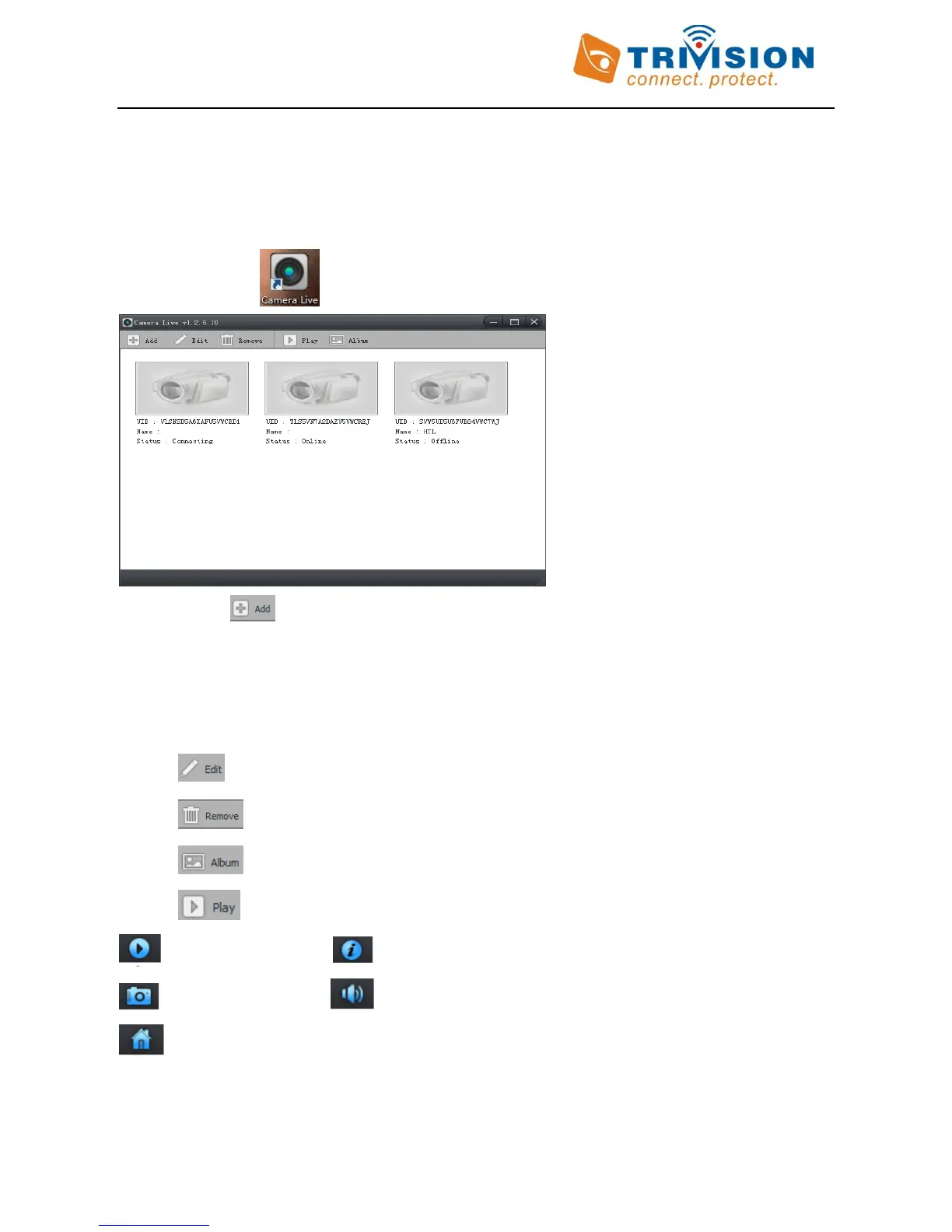
Double Click icon on the desktop to start application
Click on to add camera
Enter “Camera UID
Enter default “User Name”: admin and “Password”: admin
“Confirm” Password
Assign a “Name” to the camera to help identify this camera if more than one camera is in use.
Click on “OK” to save the Camera
Click on to change camera settings
Click on to delete camera from Camera List
Click on to view saved snapshots
Click on to view that camera.
Play and Pause Show or Remove camera Framerate and Bitrate from the display
Take a snapshot Mute or Listen to Voice
Go back to camera list



 To Next Page