Choosing a Name for your Camera on the Internet
So now you should have been able to have a friend see you on your camera. With typical residential internet
service your router’s IP address can change from time to time. Looking up the current IP address can be
inconvenient, and buying a static IP address is an unnecessary monthly expense.
www.no-ip.com and www.dyndns.com are the recommended companies for “Dynamic DNS” service. Also known
as DDNS, this is a totally free service that allows your own name to be assigned to your camera. This name takes
the place of the IP address. Together with software in your camera this also makes sure the name for your camera
is always updated with the correct IP address.
These companies are legitimate. They don’t spam you and there’s no catch, other than the requirement that you
log in at least once a month to keep your free account active. They also have inexpensive paid annual service.
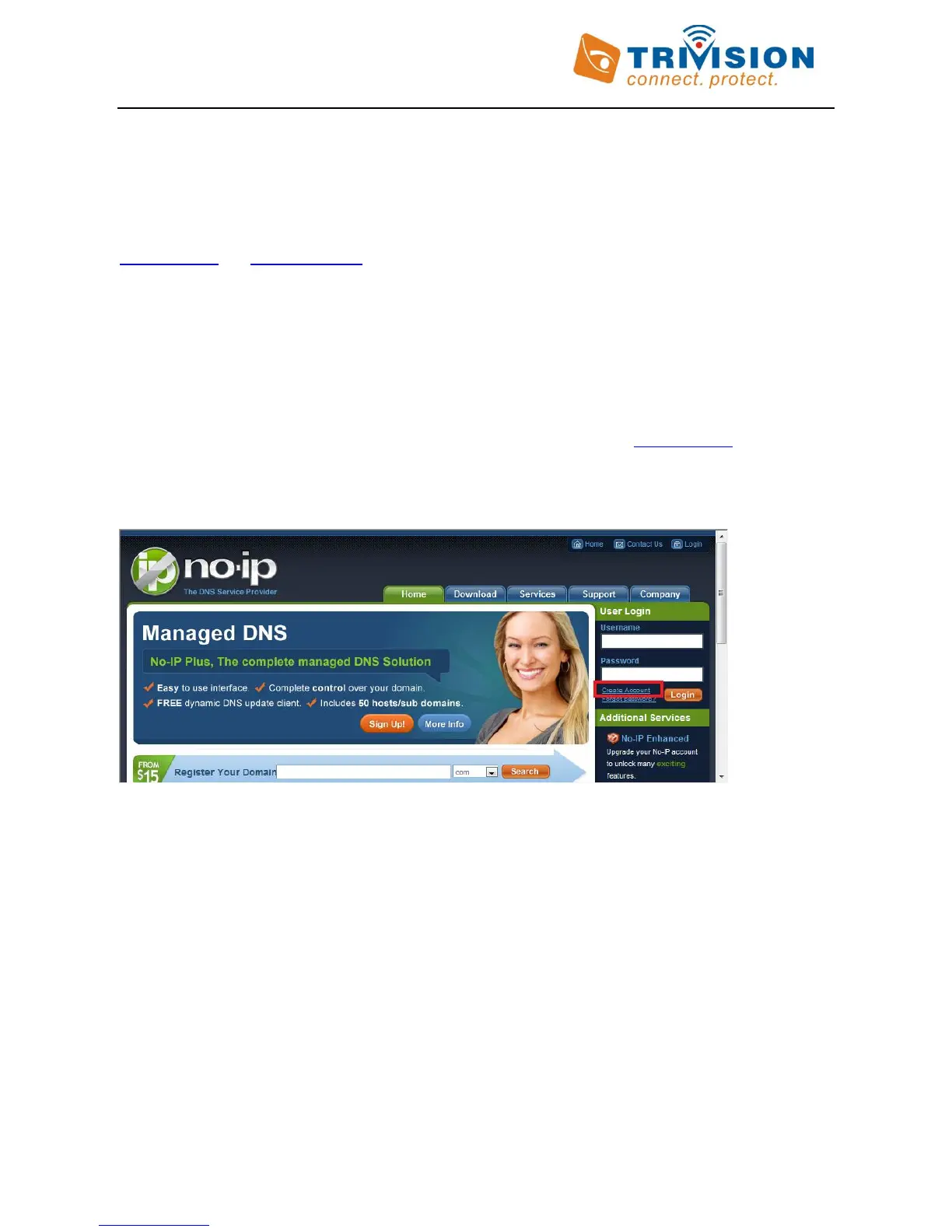
First you create a free account with one or both of these companies. We’ll take www.no-ip.com as an example.
The “create account” function is on the top right under the Username/ Password fields. Do not register a domain
or sign up for any other paid services. You just need the free account.
Once you have an account and once you validated it by responding to their email, log in and select” Hosts/
Redirects” on the top left of the screen, then “Add Host”. For Hostname, pick anything you like as a name for your
camera, except do not use spaces. Use only lower case letters and numbers. Then click on the domain names you
can pick from, as well as some that they consider premium names worth paying for. For example, you could pick
servehttp.com as your demo cameras.
Then be sure that only “DNS Host (A)” is selected. Don’t worry about the current IP address and don’t change
anything else. Click on “Create Host” and you’re done! Please write down your complete hostname as well as the
username and password you used for logging in to No-IP.com as you’ll need it for the next step.
DynDNS.com is very similar but in their case there is an additional step of checking out a shopping cart with a zero
dollar fee.
Now proceed to the next section to make sure your name is updated correctly.



 To Next Page