Audio/Video Stream Summary
On browser like Safari, the HLS stream will be automatically selected, which is Apple defined stream.
Macintosh desktop user (Mac OS X 10.8 Mountain lion, Safari 6.0, QuickTime 10.2) can directly play default HTTP
M3U8 stream: http://10.0.1.3 and RTSP h.264 stream : “ rtsp:// 10.0.1.3 with audio and video
Or through QuickTime, VLC as explained below, You will notice that some entries start with “RTSP”, instead of
“HTTP”. This is not a typo.
RTSP streams can also be opened by the “Open URL….” Menu in QuickTime 7 or later and “Open network” in VLC
player 2.0 on Macintosh OS X 10.8 Mountain Lion desktop with audio and video.
Linux enthusiasts may want to try the VideoLAN VLC Media Player.
IOS device user can directly download the free “P2PCam264” apps on “Apple Store”, then directly play default
HTTP h.264 stream with audio and video
Or on Safari browser directly play default HTTP M3U8 stream: http://10.0.1.3
Android OS smartphone and Tablet user can also download the free “ P2PCam264” apps on “Google play store” ,
then directly play default stream with audio and video.
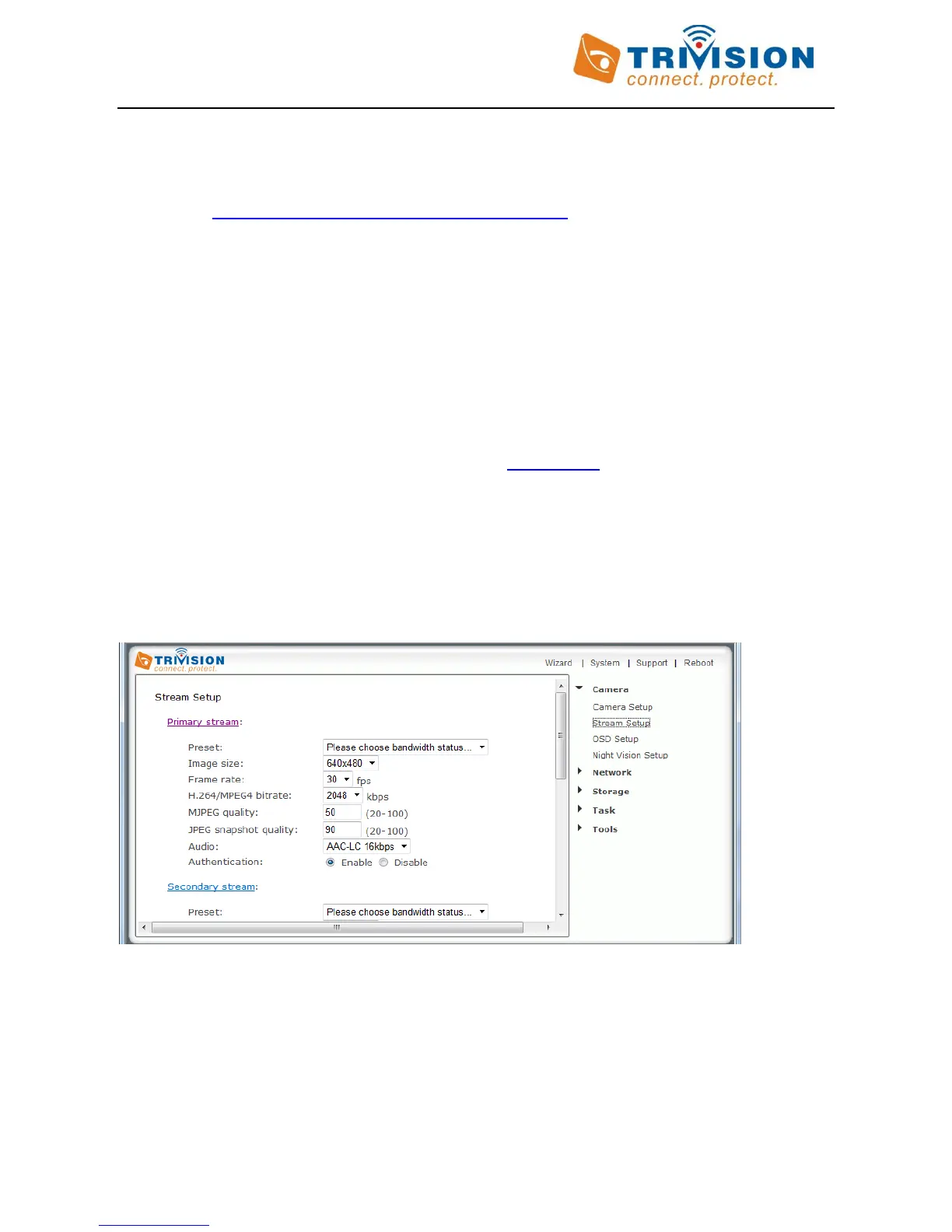
For access to specific types of audio or video encoding, you bypass the main login screen and go directly to a link
for the camera with the desired protocol and encoding type. The full list is accessible by clicking on the blue
underlined “Primary Stream”, “Secondary Stream”, or “Mobile Stream” links in the Stream Setup page.
On a network with UPnP, clicking on “Primary Stream” will result in this list:



 To Next Page