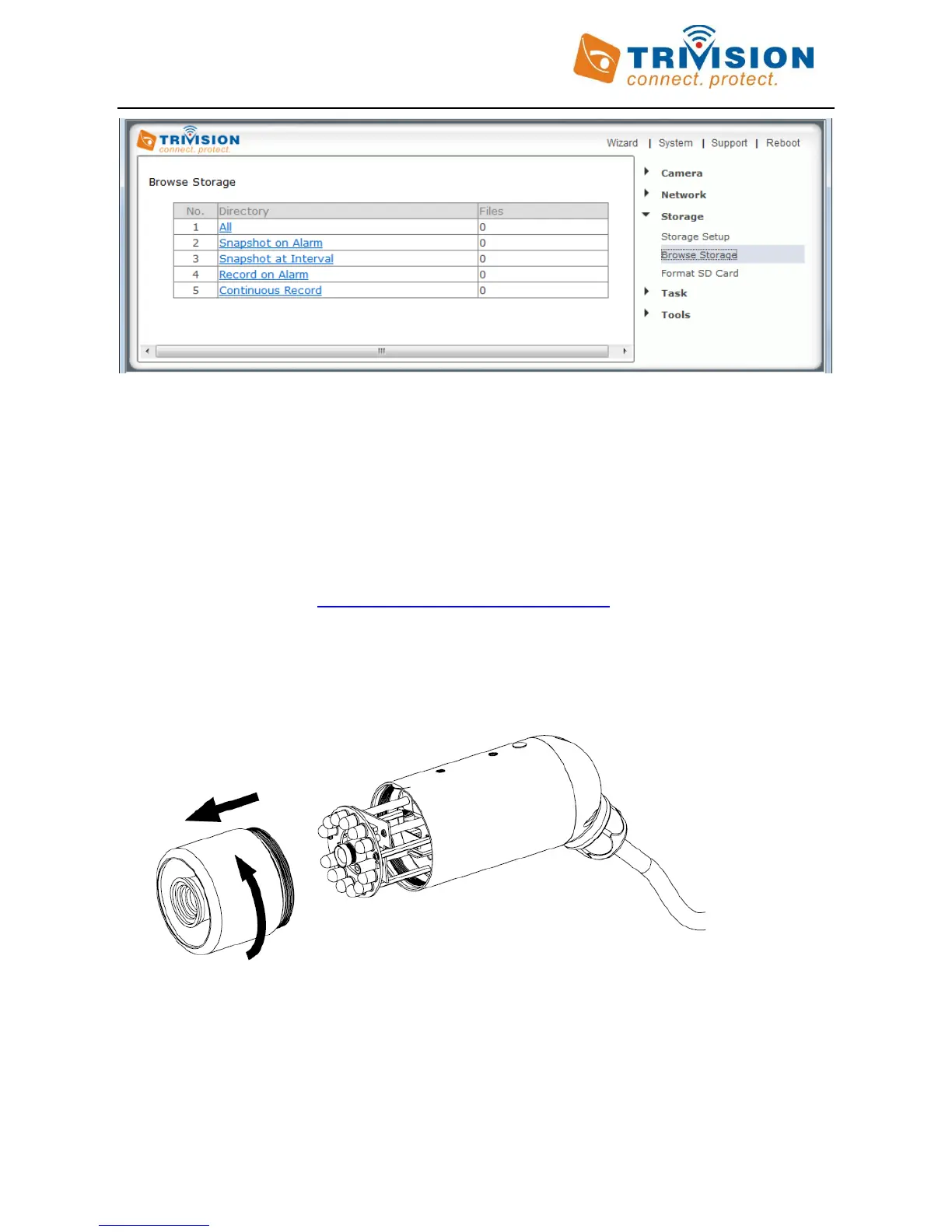
The resulting video files can be viewed with the free QuickTime for Windows or Mac. You do not need QuickTime
X or Pro unless you want to compress the resulting video to iPhone/iPod format. Shorter video clips will download
much faster. If you have many video files you could also remove the Micro SD card and access it directly from your
computer (with suitable adapter if needed). This is only practical for indoor cameras due to easy accessibility of
the Micro SD card slot at the bottom.
Do no remove the Micro SD card while recording is active. If you have recording enabled, you should disable
recording and wait 1 minute before removing the card. Errors can only be fixed by reformatting the Micro SD
using the formatting tool from http://www.sdcard.org/consumers/formatter.
To access the Micro SD card slot on the outdoor camera series, please bring the camera indoors (in an area of low
humidity), then unscrew the entire front part of the camera. It is easiest to do it if you take the sunshield off first.
The Micro SD card slot is right under the reset button show below



 To Next Page