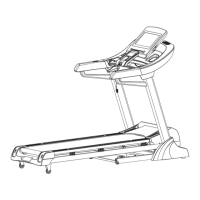
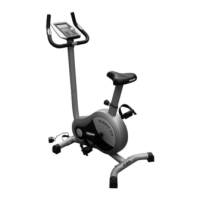
8. FREQUENTLY ASKED QUESTIONS
Q1. My computer consol is not working
1. Check your batteries are still in working condition (Manual & Electronic bicycles)
2. Check that your power cord is in your power outlet and is on.
3. Check that you have a power supply to your home.
4. Ensure that the consol computer cables have been connected properly in the neckpiece when assembling the unit.
Q3. The consol cannot read the hand pulse signal
1. The hand pulse sensors will not operate correctly if your skin is extremely dry. Moisten your hands and try again.
2. Avoid moving your hands while exercising and hold the hand pulse sensors firmly while exercising. If you do
move your hands while exercising, give the computer a few seconds to resample and display your correct heart pulse rate.
3. Clean the hand pulse sensors before use to ensure good contact between your body and the pulse sensor.
If the error persists, please contact 0861 876 526
Q4. What does BMI stand for
1. Body Mass Index
Q5. My LCD is dim
1. Check if unit is in direct sunlight, move if neccessary.
If display does not improve, please contact 0861 876 526
Q6. My consol is showing an “EI” error
1. The palms of your hands are not correctly placed on both of the hand pulse contact pads. Try again ensuring
proper contact.
Q7. My consol is showing an “E2” error
1. You have not stopped exercising when pushing the recovery button. Stop exercising and try again.


 To Next Page