8. COMPUTER FUNCTIONS
OPERATIONAL INSTRUCTION
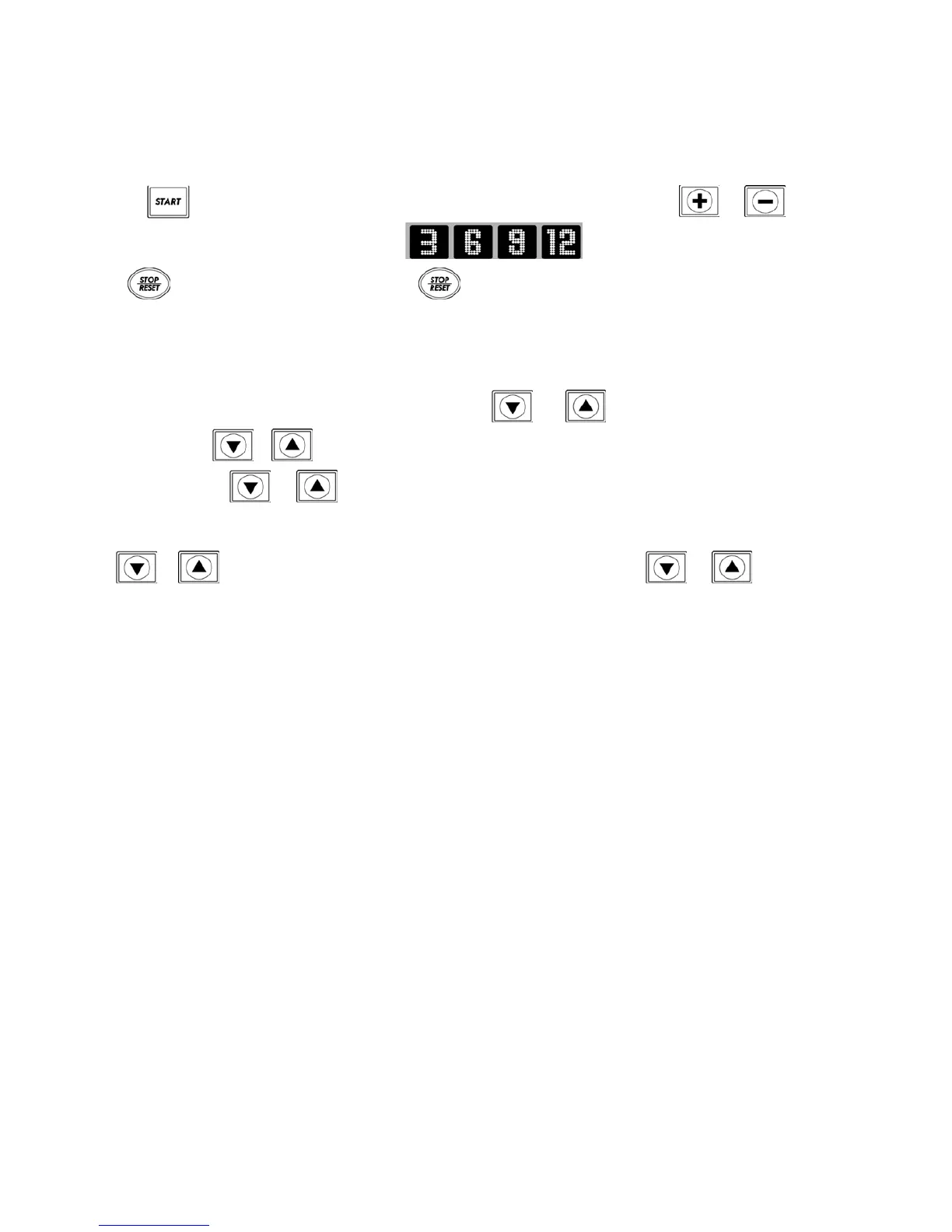
1. Press to start the treadmill. The treadmill will start with a speed of 1.0km/hr. Press or to increase
or decrease speed (or press fast speed buttons to instantly choose the speed you want).
Press once to pause your workout (pressing once will pause all values on the treadmill, press the button for
a second time and the treadmill will start operating again. Pressing and holding it for 3 seconds will take the treadmill back
to the START/READY position.).
2. This treadmill also has incline adjustment functionality. Press or to control the incline angle. When you
press and hold the or the running deck will change angle accordingly. When the deck angle reaches the level
you want, release the or key and the incline/decline will stop.
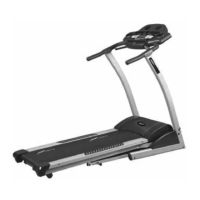
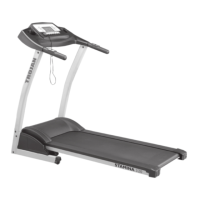
3. On the Stamina 310 treadmill the running deck incline and speed can be controlled from the handrails. Pressing
the or button on the left handrail will control the incline angle. Press the or down button on
the right handrail will control the speed.
** When the SAFETY KEY is taken off and then replaced, the incline will not reposition itself to the incline level prior
to the safety key removal. You need to press the Start key to reposition the incline level.
** When the treadmill is powered on, it will not reposition the incline to the level prior to the powering off. You need
to press the Start key then reset the incline level.
** Under Start/Ready status, press and hold the stop key for 5 seconds, to reposition the incline to its previous level.
** During operation, if you press the stop key, the program will stop. If you wish to continue the program, press the
Start key or press the Stop key to leave the program and revert back to the Start/Ready status.









 To Next Page