8. COMPUTER FUNCTIONS
2. MODE OPERATIONAL INSTRUCTION
In this mode there is 1 MANUAL program and 6 PRESET programs.
1. MANUAL: Under this mode, you can set up the time and distance to suit your needs
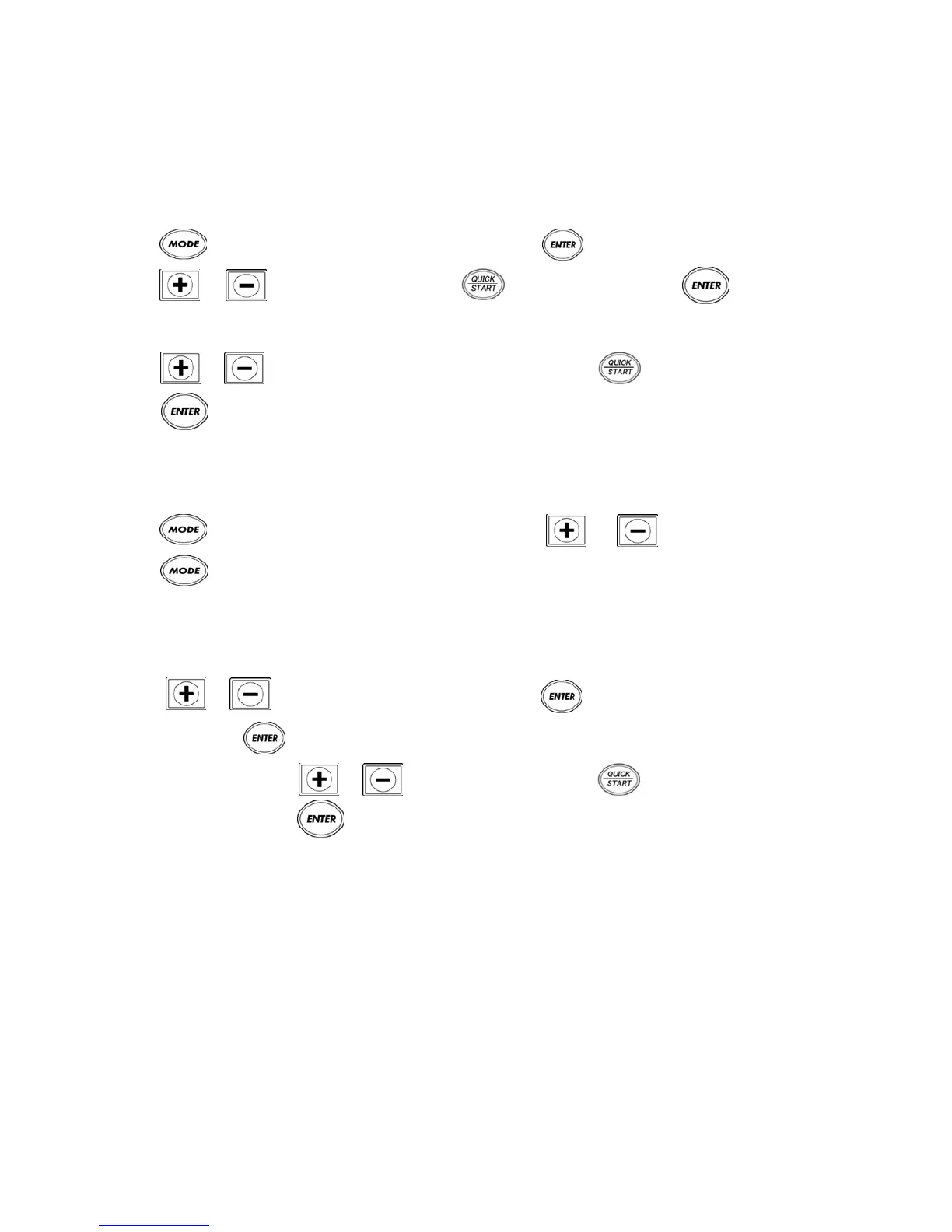
1.1. Press and the MANUAL LED light will start flashing. Press to enter into the MANUAL mode.
1.2. Press or to set up time. You can press to start exercising, or press to change to
distance. The Program pre-set value is 20 min and the time range is 5-99 min (Step is 1 min).
1.3. Press or to set distance. After setting distance you can press to start exercising, or
press to go back to option MODE. The Program pre-set value is 5km and the distance range is 1-99 min
(Step is 0.1km).
2. PROGRAM Under this mode there are 6 programs (P1 - P6)
2.1 Press and the MANUAL LED light will start flashing. Press or to choose P1 - P6 then
press to enter into the mode you have selected.
2.2 After entering the program, the LEVEL window begin to flash. In PROGRAM mode, P1 - P6 each have
3 LEVELS for you to select from.
2.3 Press or to choose the desired LEVEL, then press and the treadmill will begin to operate.
Alternatively press to enter the PROGRAM time setting.
2.4 Once in time setting, press or to set up the time. Now press and the treadmill will begin to
operate. Alternatively press to go back to MODE option again. Program pre-set value is 32 min and the
Time range is 5-99 min (Step is 1 min).
2.5 For reference to the preset values for P1 - P6, refer to the List1 - List 6 (PAGE 14):









 To Next Page