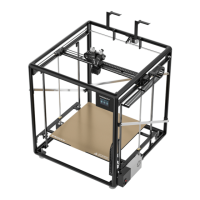
PB Level Step 4
• Step 4: Turn on the printer
• Command HOME ALL / AUTO HOME
• The print nozzle moves to the left and then stops
• The PB moves to the back and then stops
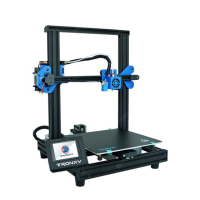
• As soon as the Z axis starts to move down, place a
metal object under the blue inductive sensor. The
light should come on and the motion should stop.
• The printer might start the AUTO HOME over
again. If it does, turn power off, wait about 10
seconds and then back on.
Week 2


 To Next Page