Model 3411-B Advanced Control Unit 2–7
2. GAUGE OPERATION
NOTE
To measure concrete, use either the Asphalt or Soil
mode. For moisture results select the Soil mode. For
density measurement only, use the Asphalt mode.
To enter or activate a Marshall or Proctor value, press 〈MA/PR〉.
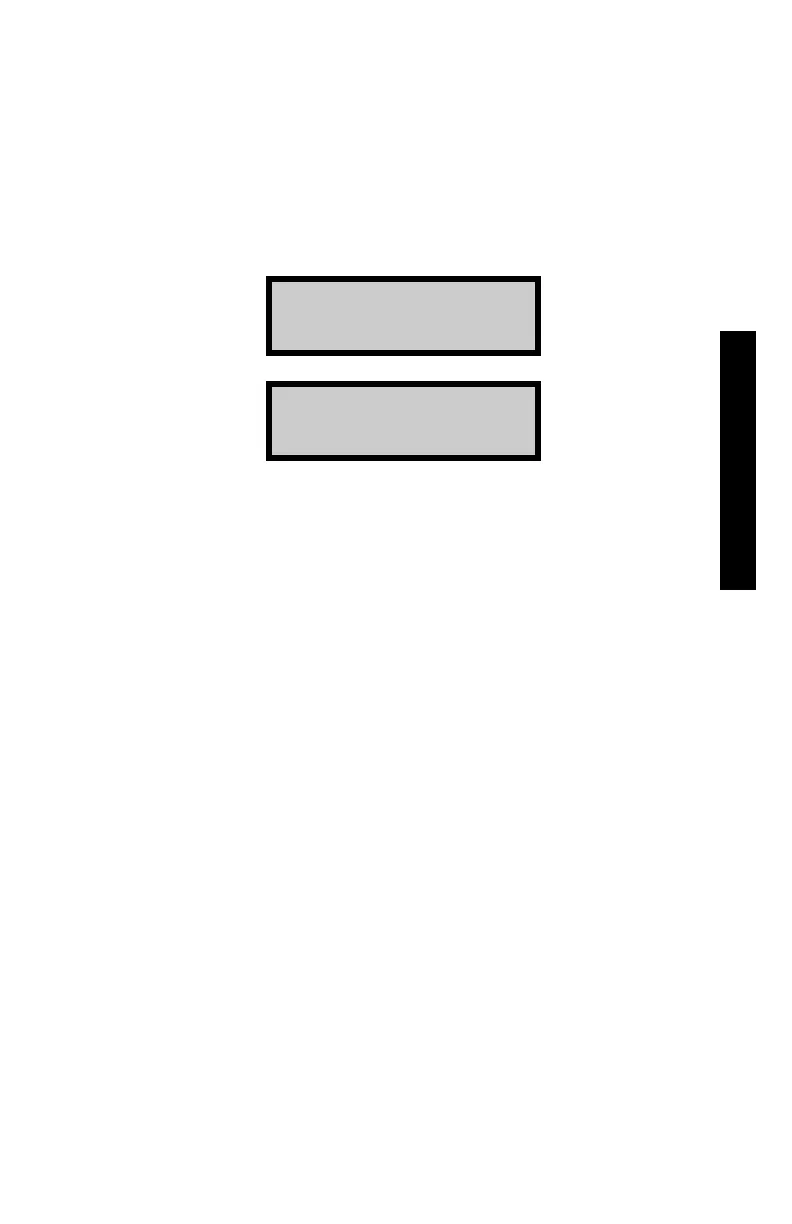
The display will be one of the following:
MA: xxx.x (↑↓)
Change MA value?
PR: xxx.x (↑↓)
Change PR value?
To switch from a Marshall value to a Proctor value, or vice versa,
use the arrow keys.
To activate the displayed value, press 〈OFF/NO〉.
To change the displayed value, press 〈ON/YES〉. The first digit of
the value will flash. Use the arrow keys to scroll through the
possible entries (0 – 9 and .). When the correct value for the current
digit is displayed, press 〈START/ENTER〉. The gauge will proceed
to the next digit to the right.
When the value entry is complete, the gauge activates the value and
returns to the Ready mode.



 To Next Page
 Loading...