ID5000, XR5000 Level 1 Service Manual
Issue 4, 8/2017 19
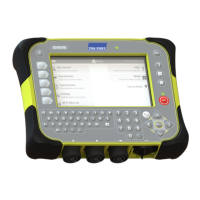
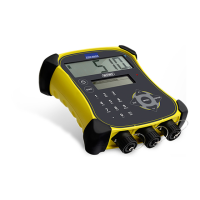
Checking the LCD
Try various functions to check that the LCDs are operating correctly. Watch for missing or faded segments, rows or columns of
dots.
Follow these steps to test the backlight operation (ID5000 and XR5000).
1 Press
.
2 Go to the the Settings > General screen.
3 Change the Display Backlight to On, Off, Auto.
Testing the keypad
Test the keypad in the order specified below. Every key on the keypad should produce a display response.
Power
Weigh
Zero*
Record*
Keypad (all alphabet and numbers)
Enter
Help
Escape (Back)
Arrows
Home
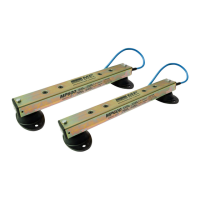
* Requires load bars or a load bar emulator to be connected to the indicator to populate the weight display.



 To Next Page