5000 Series Weigh Scale Indicator Quickstart Guide
1
5000 Series Weigh Scale Indicator
QUICKSTART GUIDE
T
his guide takes you through your first use of the 5000 series weigh scale indicator.
Contents
Unpacking the box ......................................... 1
Charging the battery ...................................... 2
Getting around .............................................. 3
Installing ....................................................... 4
Setting up the indicator.................................. 5
Recording information ................................... 6
Viewing information ...................................... 7
Putting information on ................................... 8
Getting information off .................................. 9
For users of 3000 series indicators ............... 10
Maintenance and servicing........................... 11
Compliance ................................................. 12
For further information on any topic, press
on
the indicator, view the reference information on
the supplied USB flash drive or visit
www.tru-test.com
1
Unpacking the box
Check that you have all of these items. If anything is missing, contact your supplier.
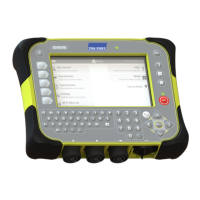
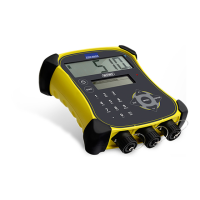
Hard plastic carry case Weigh scale indicator Mounting bracket
Mains power adaptor and
power plug
Power plugs for different
countries are included.
USB flash drive
The flash drive contains Data Link for
PC software and reference
information.
USB series A to mini-B cable
This cable connects the indicator to a
PC.

 Need help?
 General

 To Next Page