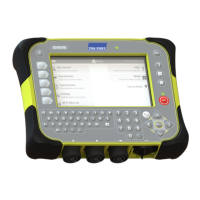
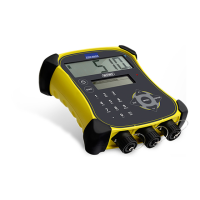
5000 Series Weigh Scale Indicator Quickstart Guide
9
9
Getting information off
There are four ways to get information off the indicator.
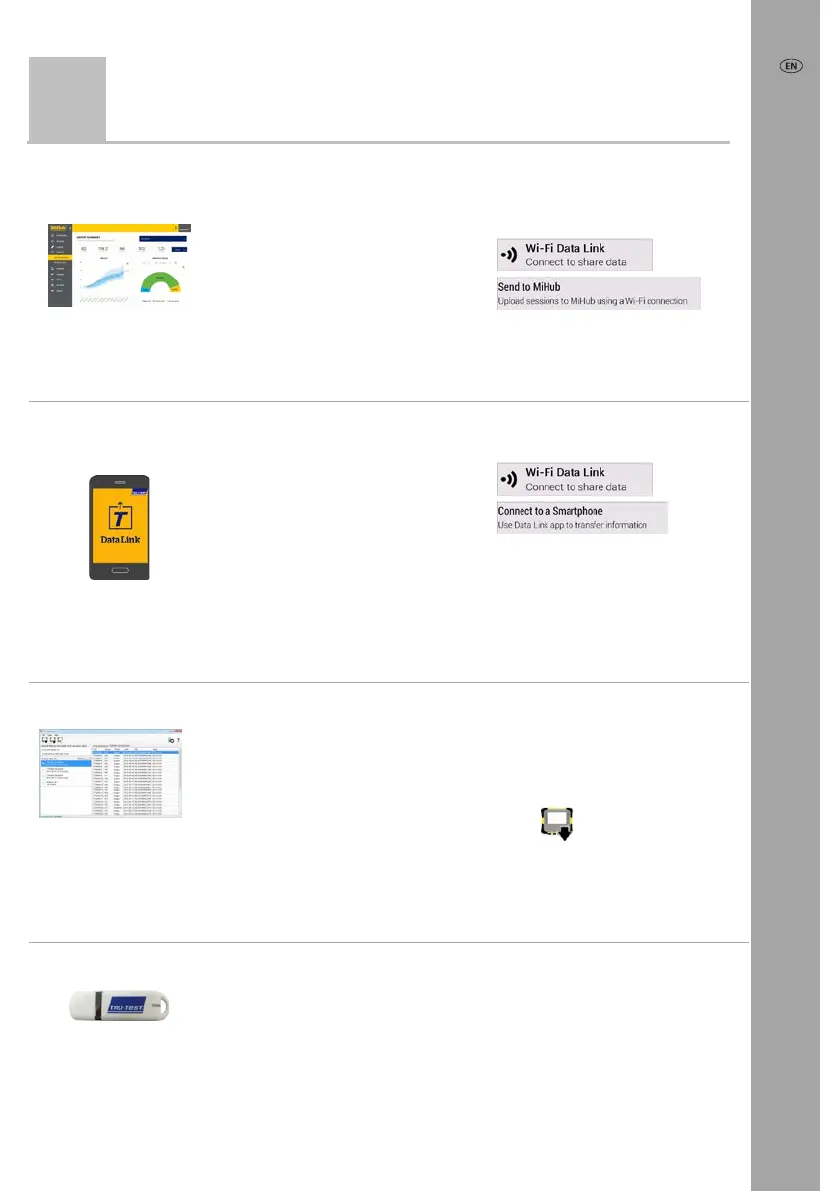
MiHub Livestock
www.tru-test.com/
mihublivestock
You can:
• save session files to the
cloud
• monitor animal weight
gains and track
performance to target
weights.
To do this:
1 From the Home screen, press
, then
.
.
2 Enter your MiHub Livestock
login details and follow the
instructions.
Data Link app
for smartphone
You can:
• transfer and share
session files
• register a transaction
with NAIT or NLIS
• upload sessions to
MiHub Livestock.
To do this:
1 From the Home screen, press
, then
.
2 Launch the app on your
smartphone and follow the
instructions.
The Tru-Test Data Link app is available to download for free from the Google Play*
store (Android* devices) or from the Apple App store* (Apple iOS*).
Data Link for PC
You can:
• save session files
• save animal lifetime
data
• save favourite setups
• back up the database
of all animal and
session data stored on
the indicator.
To do this:
1 Connect the indicator to a PC
using the cable supplied.
2 Launch Data Link on your PC.
3 Click
to get information
off the indicator.
USB flash drive
You can:
• save session files
• back up the database
of all animals and
session data stored on
the indicator.
To do this:
1 Plug a USB flash drive into
the bottom USB port on the
indicator.
2 On the indicator, tick the
items to save.



 To Next Page