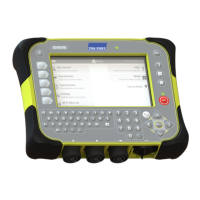
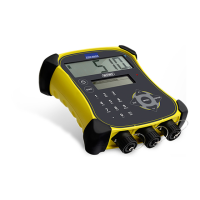
5000 Series Weigh Scale Indicator Quickstart Guide
6
6
Recording information
Sessions
When you record information such as weight, it is stored in a ‘session’. A session is
like a file on a computer. We recommend that you start a new session each day or for
each group of animals.
To start a new session, from the Home screen press
.
Weighing an animal
Ensure that the indicator is displaying 0.0. If not, press
.
1 Move the animal onto the platform.
2 If recording IDs, enter the animal’s VID or scan the EID tag using an EID reader.
3 When the ‘weight stable’ message appears, press
.
The indicator will record the weight along with any other information entered.
4 Move the animal off the platform.
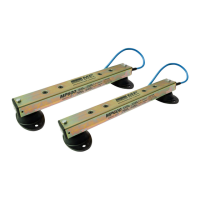
If the indicator is not displaying 0.0 between animals or there are
problems with inaccurate or unstable weights, make sure that the bars
are firmly secured to the concrete floor and free from stones or dirt and
that the load bars are properly connected to the indicator.
If you set Weight Recording to Auto, you won't need to press
REC
for
each animal.



 To Next Page