Trueshopping
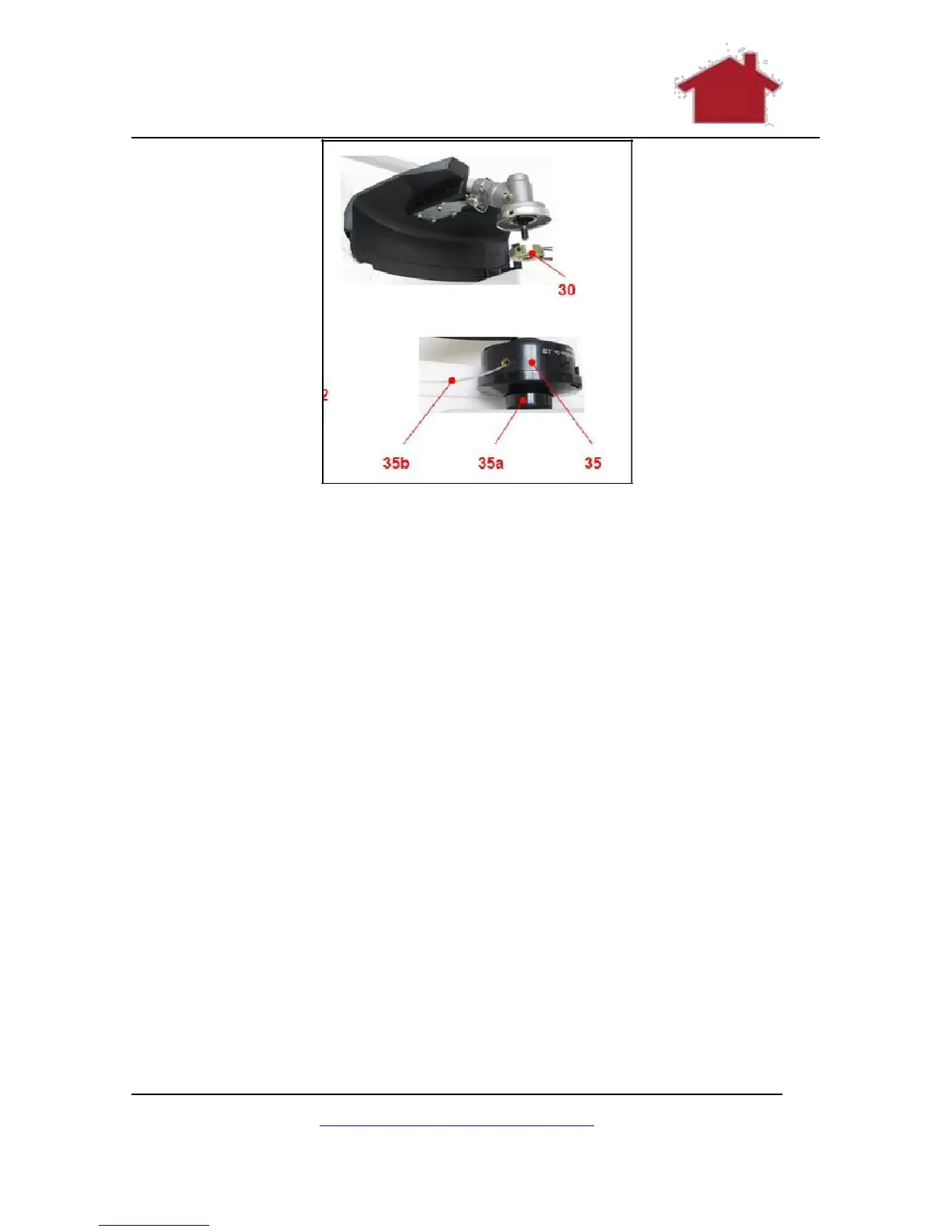
Figure 18 Attaching the Strimmer Spool
1. Make sure that the safety guard (19) has been attached
properly.
2. Rotate the backing flange (30) until its hole is aligned with
the notch in the gear head (21).
3. Insert the spindle lock rod (37) into the hole to lock the
spindle (29).
4. Loosen the nut (34) and remove it together with the cap
(33) and locking flange (32).
5. Screw the trimming head (35) anticlockwise on the
spindle (29).
6. Remove the spindle lock rod (37).
7. Test to check that everything is secure.
8. You are now ready to use your brush cutter.
www.TrueShopping.co.uk
Page: 22 of 69



 To Next Page