Trueshopping
Attaching the Brush Cutter Blade
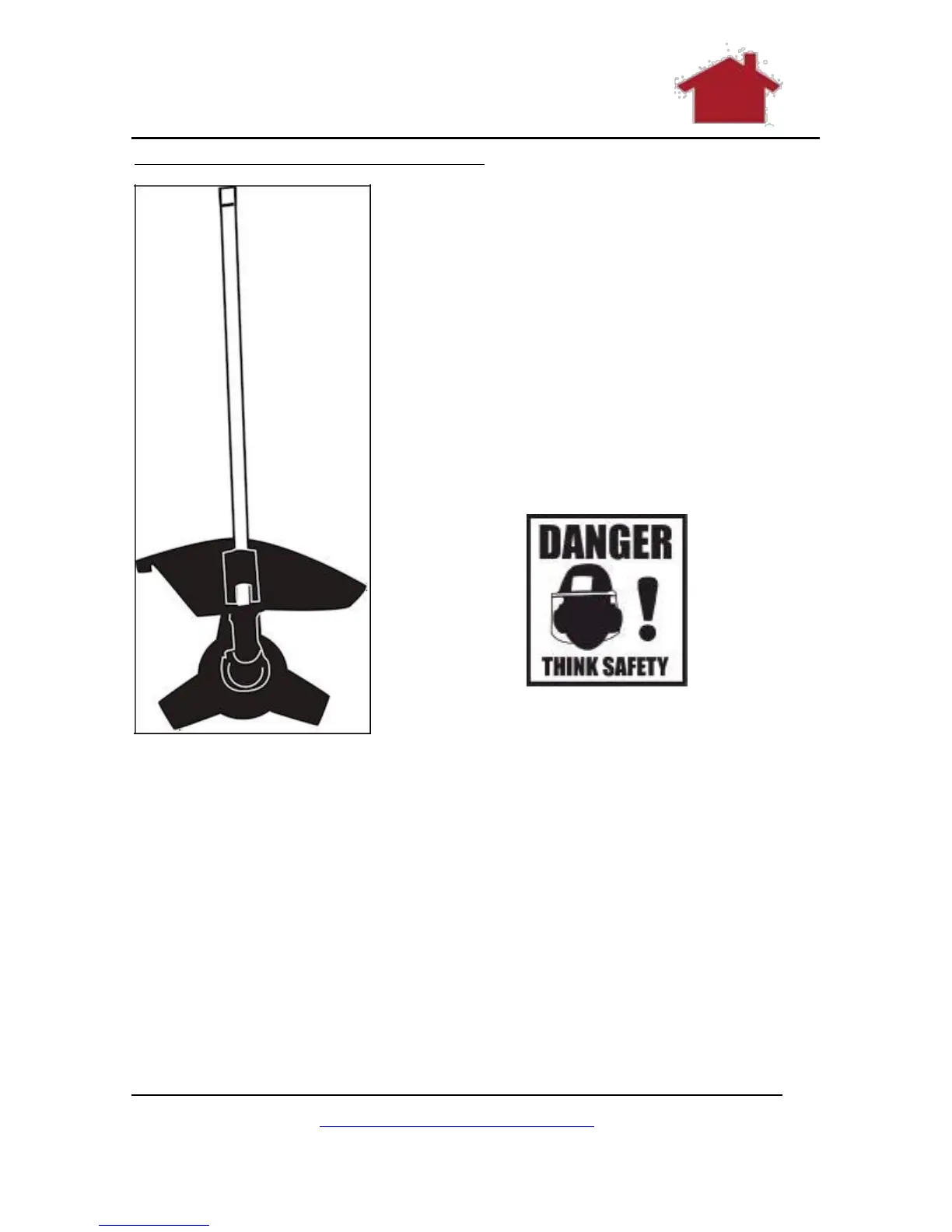
These are the parts you need:
The long handle as shown which
is the same as that used for the
strimmer.
The protective cover as shown
The cutter blade as shown (in
comes in a green cover).
The appropriate tools from the
tool kit.
Figure 19 The Brush Cutter
Make sure that the safety guard (19) has been attached properly.
1. Rotate the backing flange (30) until its hole is aligned
with the notch in the gear head (21).
2. Insert the spindle lock rod (37) into the hole to lock the
spindle (29).
3. Loosen the nut (34) clockwise and remove it together
with the cap (33) and locking flange (32).
www.TrueShopping.co.uk
Page: 23 of 69



 To Next Page