Sight Fighter Digital Plus
10
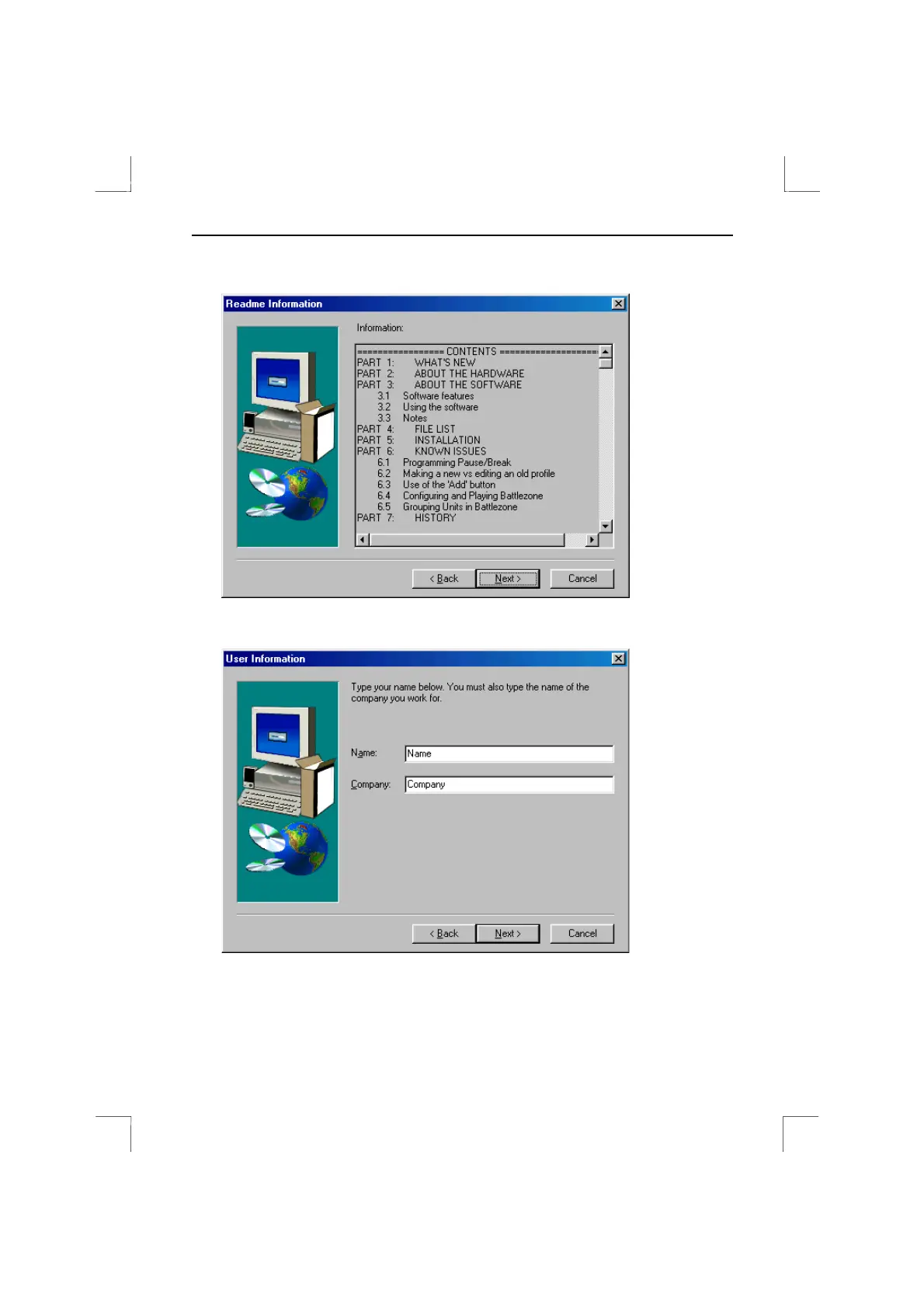
3. Click on 'Next'. Figure 9 will appear.
Figure 9: Information screen
4. Click on 'Next'. Figure 10 will appear.
Figure 10: Filling in the user information
5. Type your name and the name of your company. The 'Next' button can be used
when both fields have been filled in.


 To Next Page