Sight Fighter Digital Plus
15
5. Programming the buttons
During installation of the game pad, a program is also installed which is used to
program the fire buttons.
5.1 Profile editor
This is used to assign keyboard functions to a fire button. This is carried out as
follows:
1.
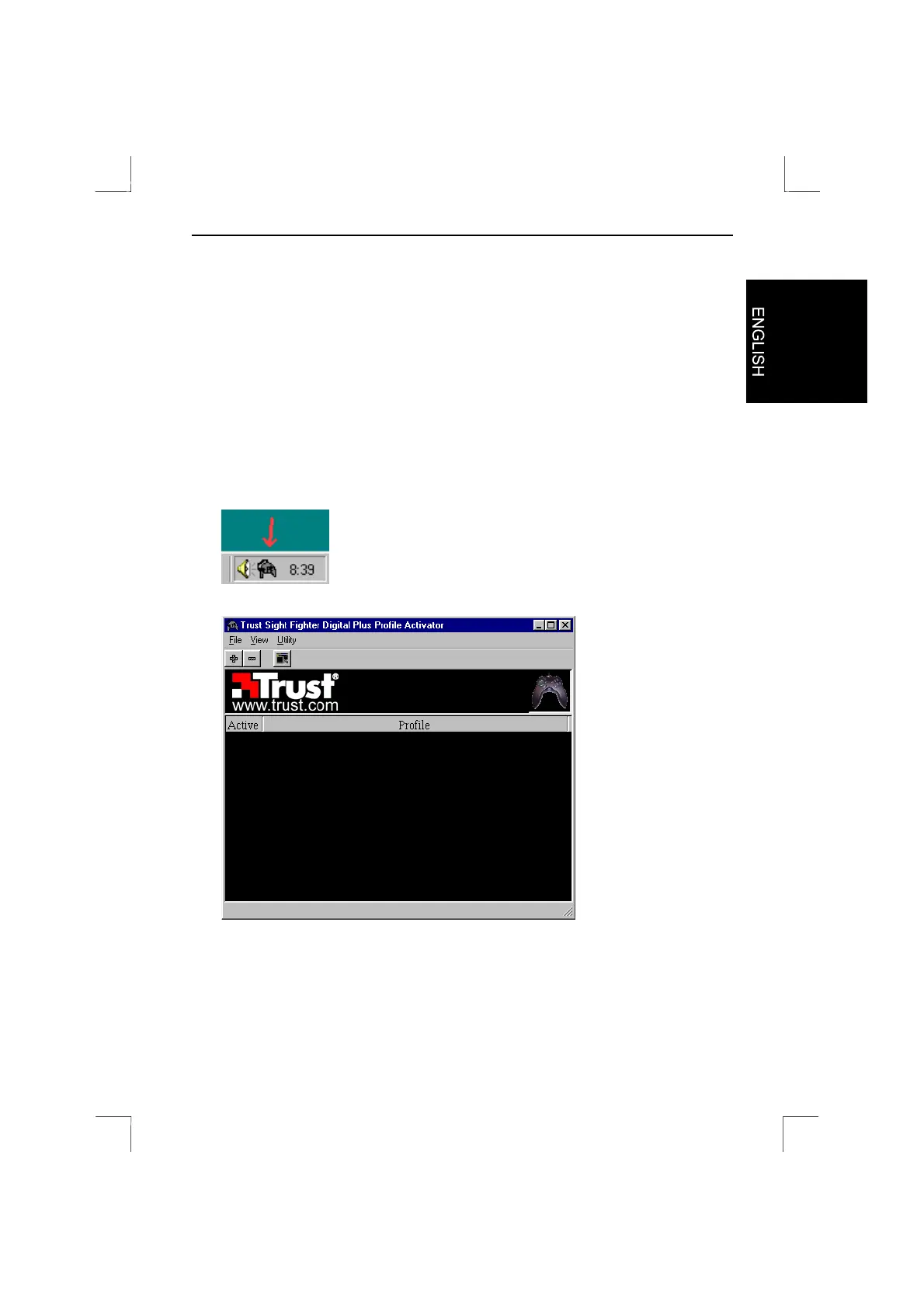
After installation, the profile screen for the Sight Fighter Digital Plus is
automatically activated. Double click on the icon in the taskbar (see figure 17).
Figure 18 will appear.
Figure 17: Sight Fighter Digital Plus icon
Figure 18: Sight Fighter Digital Plus profile screen


 To Next Page